 WORXMATE
Summary
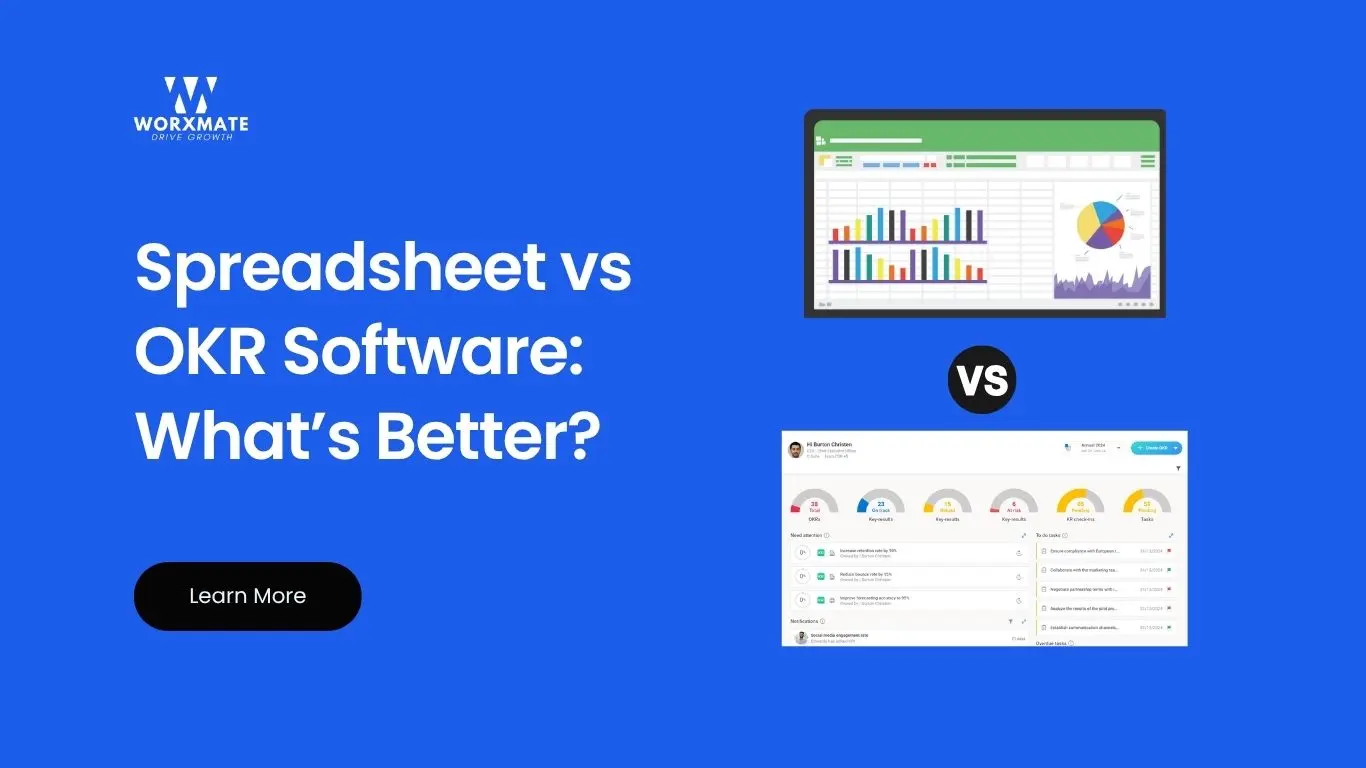
Spreadsheet vs OKR software refers to the choice between using basic tools like Excel or Google Sheets and specialized applications to set and track Objectives and Key Results (OKRs). Spreadsheets are simple, familiar, and cost-effective for small teams, but they become error-prone and hard to manage as goals and teams grow. OKR software, in contrast, offers real-time dashboards, automated updates, and analytics to align team goals and measure progress. Understanding the pros and cons of each helps organizations pick the right method for goal management and drive better outcomes.
Spreadsheet vs OKR Software: An Overview
Organizations set OKRs to align individual, team, and company goals. A spreadsheet is a simple, free tool (e.g. Excel or Google Sheets) where you list objectives and key results with progress columns.
It’s easy to start with – most employees know how to use it. However, as Gartner notes, spreadsheets lack the advanced features of dedicated OKR tools.
OKR software provides a “single source of truth” for goal alignment with features like real-time tracking, data visualization, and reporting.
In practice, spreadsheets may suffice for pilot projects or very small teams, but OKR software shines when you need scalability and visibility across the organization.
Pros and Cons of Spreadsheets for OKRs
-
Advantages of Using Spreadsheets:
-
Low Cost & Familiarity:
-
Free templates or Google Sheets are easy to deploy with minimal budget. Most users are already trained in Excel, reducing onboarding time.
-
-
Flexibility:
-
You can customize layouts, formulas, and fields however you like without extra software overhead. This can be fine for very simple OKR plans.
-
Limitations of Spreadsheets:
-
Error-Prone and Manual:
-
Manual data entry leads to mistakes and version issues. In fact, studies show ~88% of complex spreadsheets contain errors. Updating progress by hand is slow and unreliable.
-
-
Poor Visibility & Collaboration:
-
It’s hard for others to see progress or link team OKRs. Multiple versions and lack of access control mean siloed goals and confusion. Spreadsheets lack dashboards, so leaders often get outdated data.
-
-
No Real-Time Insights:
-
do not auto-update. You miss early warning signs because there’s no instant feedback or alerts. As one industry report warns, teams using only spreadsheets often let OKRs become stale checklists.
-
-
Limited Scalability:
-
As team size grows, spreadsheets become unwieldy. Managing hundreds of OKRs across departments in one file is nearly impossible. Cascading objectives and adapting to change is clumsy.
-
-
Integration Gaps:
-
Spreadsheets don’t automatically sync with other tools (like task managers or CRM). You have no easy way to pull in data or push updates, increasing manual work.

Benefits of Dedicated OKR Software
Specialized OKR software is built for goal management. Compared to spreadsheets, a good OKR tool offers:
-
Real-Time Tracking:
Dynamic dashboards update automatically as teams report progress. Every stakeholder sees current status at a glance. This transparency boosts accountability and quickens decision making (one report notes 37% faster executive reviews with OKR tools).
-
Alignment & Collaboration:
OKR platforms let you cascade goals from top to bottom and align cross-department objectives. Everyone’s OKRs link up automatically, improving visibility and teamwork. For example, a survey found 97% of respondents say poor alignment hurts outcomes, so OKR software’s focus on alignment is critical.
-
Automation & Reminders:
Task dependencies, progress updates, and notifications are handled for you. The system can send automatic reminders for weekly OKR check ins and highlight stalled OKRs, helping teams stay on track. No more tracking dozens of email threads or overdue spreadsheets.
-
Advanced Analytics & Reporting:
Built-in charts and analytics show trends and performance metrics. You can drill into which key results are lagging and why. Dedicated tools often let you slice data by department, priority, or time period – a huge step up from static spreadsheet tables.
-
Integration with Other Tools:
Most OKR solutions connect to project management, HR, and communication platforms (like Jira, Slack, etc.). This brings relevant data into OKRs (e.g. pulling task completion rates) and eliminates duplicated work.
Potential Drawbacks of OKR Software: While powerful, specialized software can have a learning curve and cost. Smaller teams with very simple goals might not immediately need all features.
However, as one OKR institute notes, the efficiency and features of OKR software usually justify its adoption once an organization grows. Additionally, most vendors offer training and templates, so teams can ramp up quickly.
Spreadsheet vs OKR Software in Action — Real Case Study
McKinsey-Backed Success with OKR Software
A leading financial services company, as reported by McKinsey, set a bold goal to reduce customer service costs by 50%. Attempting to track this across product, technology, and policy in spreadsheets resulted in confusion and misalignment.
The shift to OKR software allowed different teams to align on key results, update progress in real time, and respond to roadblocks immediately. The outcome:
- Achieved a 50% cost reduction
- Improved cross-team collaboration
- Enhanced transparency and accountability across departments
This case demonstrates how OKR software drives measurable outcomes vs. spreadsheets that quickly fall short as complexity increases.
When to Switch from Spreadsheets to OKR Software
Start with spreadsheets if you’re a small startup or piloting OKRs. But plan to transition as you scale. Key signals include:
-
Rapid Growth:
Once teams exceed ~20 people or multiple departments are involved, managing OKRs in one sheet is cumbersome.
-
Alignment Needs:
If leaders struggle to get timely status updates or teams don’t see how their work connects, it’s time for a tool that automatically aligns OKRs across the org.
-
Updating Lags:
When check-ins become irregular and “tracking fatigue” sets in, software can restore momentum with automated progress checks.
-
Data Overload:
If you need richer reports or integrations with other systems, an OKR platform will pay off.
In short, spreadsheets may work for simple, short term goals, but companies quickly outgrow them. A dedicated OKR software streamlines execution and keeps teams accountable.

Worxmate: Simplifying Your OKR Journey
When you’re ready to move beyond spreadsheets, Worxmate’s OKR software provides all the needed capabilities. Worxmate offers real-time dashboards, goal alignment tools, and AI-powered insights to keep everyone on track.
It integrates with popular tools and guides users through setting effective OKRs with minimal training. As a complete Performance Management Software, Worxmate.ai not only replaces clunky spreadsheets, it also fosters engagement and transparency across teams.
Conclusion
While spreadsheets can kickstart an OKR program, they quickly reach their limits. Dedicated OKR software eliminates manual bottlenecks, aligns teams with strategy, and provides real-time tracking and analytics.
Studies confirm companies see significantly higher goal alignment and faster decision-making after switching to OKR tool. In contrast, relying on spreadsheets often leads to stale data, confusion, and disengagement.
By adopting an OKR platform like Worxmate.ai, organizations of any size can streamline goal tracking, improve cross-team collaboration, and focus on what matters most.
Wherever you currently manage your OKRs, the right software can make a measurable difference – try Worxmate.ai to experience it firsthand.


Written by
An OKR Coach with 20+ years of implementation experience, Madhusudan has guided over 50 organisations through successful OKR transformations, training more than 500 leaders. Learn more about Worxmate.
