
Worxmate

WORXMATE
AI Intelligence Suite
Log In

Help Center > Frequently Asked Questions > Working with OKRs > How can I differentiate between a Private OKR and a Public OKR?

How can I differentiate between a Private OKR and a Public OKR?

Working with Objective, Editing an Objective

You can view Private objectives in MY OKRs only.

Below to your objective name, a label called Private is displayed as shown in the following:

image 41

Public OKRs are visible to all for viewing the progress, adding comments and based upon the ownership and type of OKR to add check-in, edit the OKR itself.
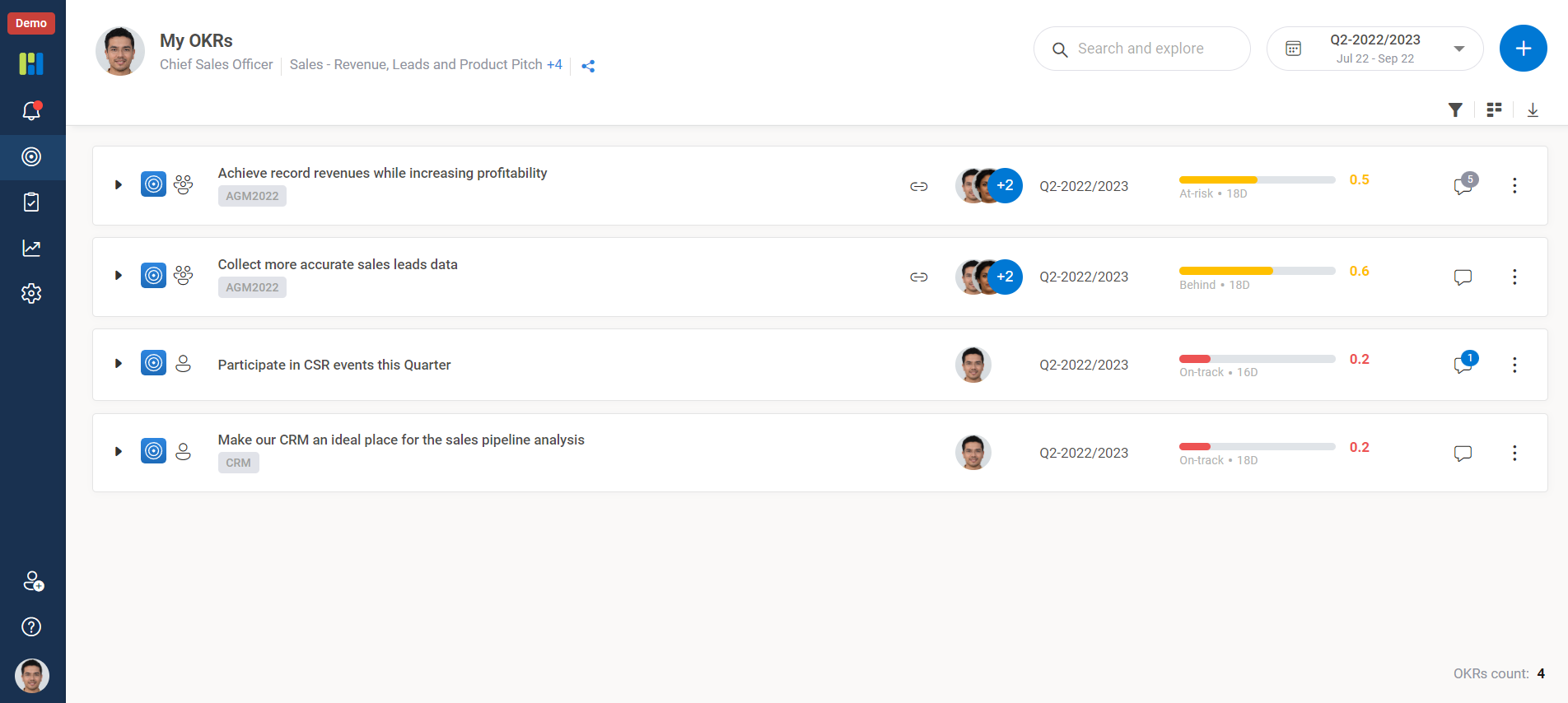

My OKRs

Worxmate AI
Live 1-on-1 Walkthrough

See Worxmate AI in action.

We will configure live scenarios tailored to your company size, OKR cycles, and appraisal rhythms — zero generic pitch decks.

"Worxmate’s smart insights simplify team management—more intuitive than Zoho People."
— Senior HR Lead • Cloudaeon
    Available 30-Min Slots Pick a day
    Pick a date & time slot to proceed