
Okta is a powerful identity and access management service that simplifies user authentication by eliminating the need for multiple usernames and passwords. By integrating Okta with your Worxmate OKR software, you can access the application seamlessly using your existing company credentials.
Steps to Integrate Okta with Worxmate
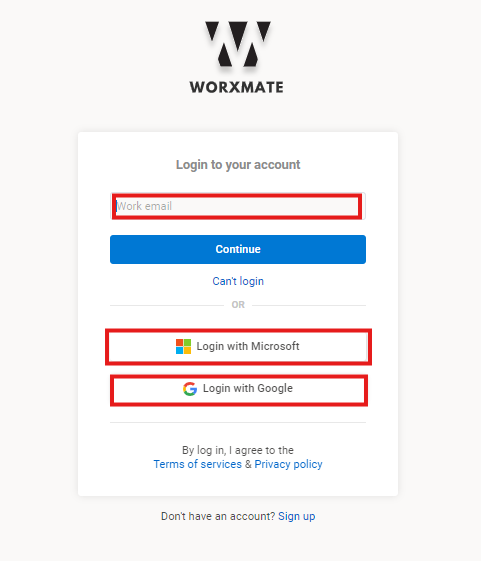
Step 1 – Log in to your Worxmate account using your existing credentials.
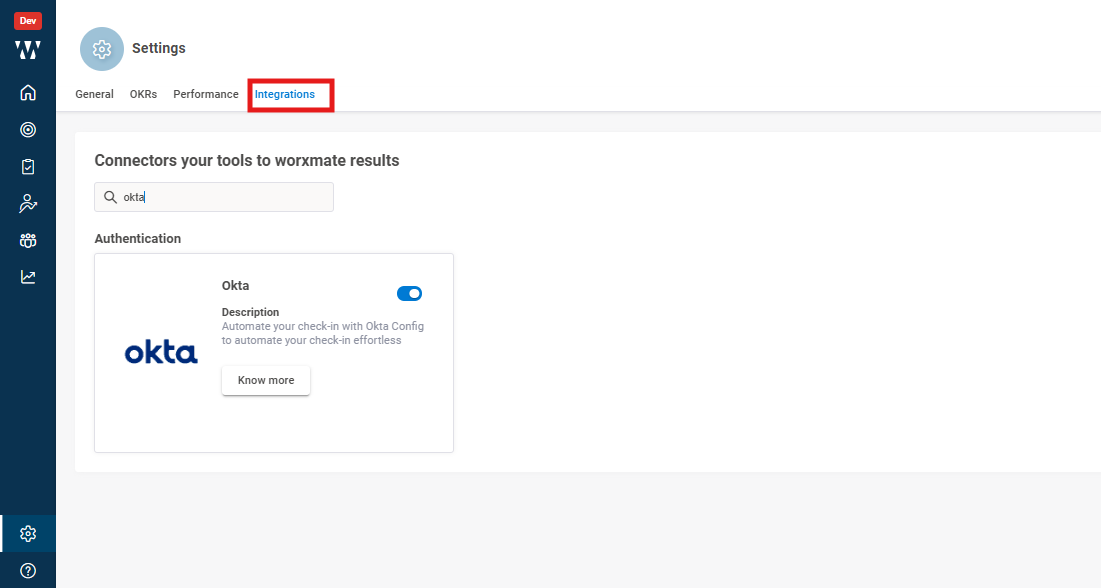
Step 2 – Navigate to the Settings page within Worxmate. Select the Integration tab, find the Okta option, and enable the toggle to activate Okta integration.
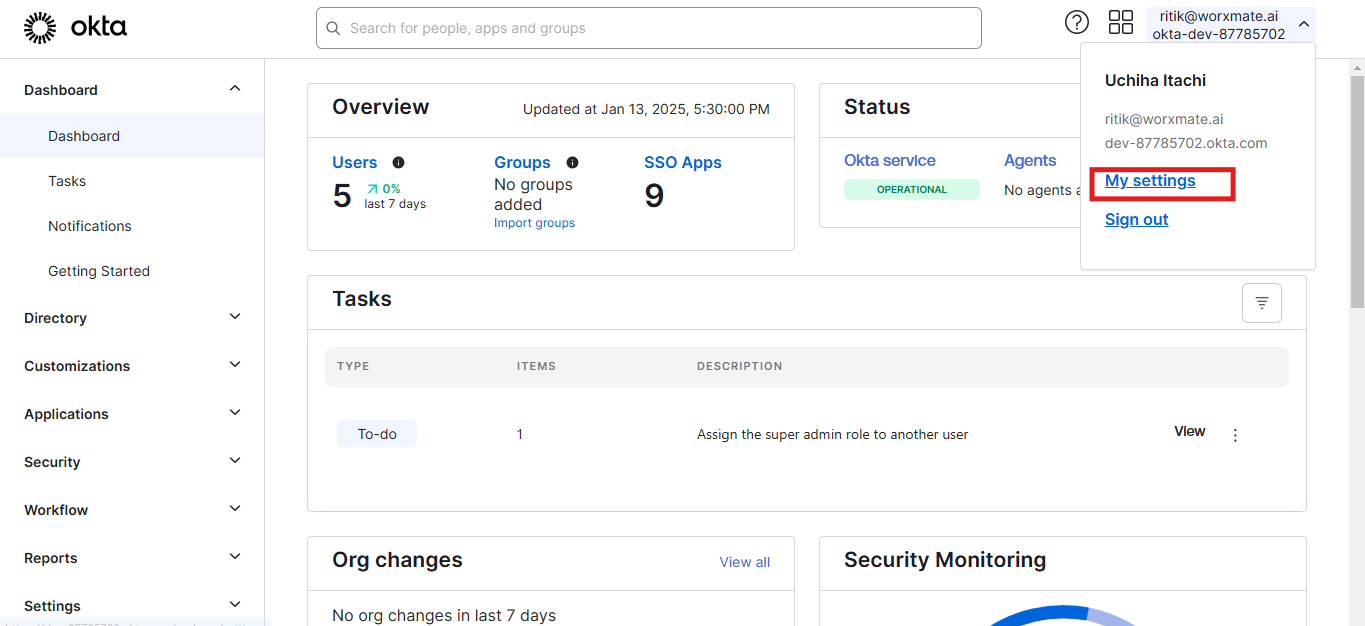
Step 3 – Log in to your Okta admin account. From your profile, go to My Settings.
Step 4 – Search for the Worxmate application in Okta. Add it as a connector to configure it with your Worxmate account.
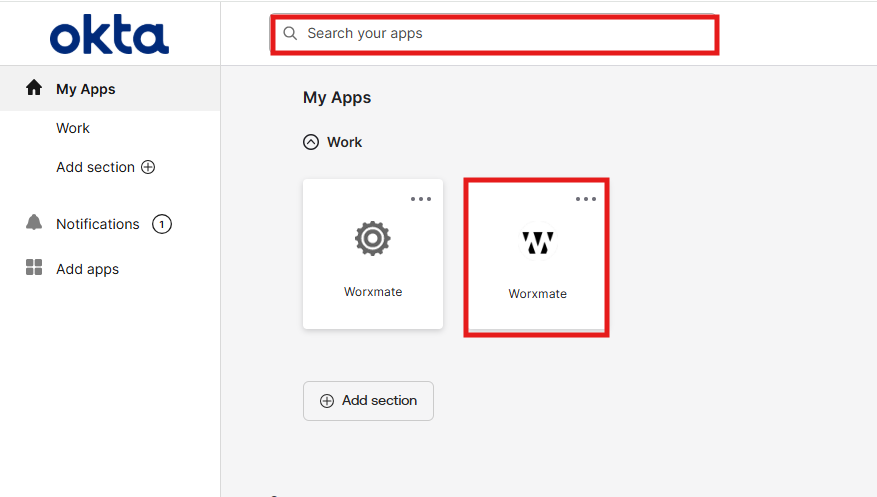
Once configured, simply click on the Worxmate application in Okta, and you will be redirected to Worxmate without needing a username or password, thanks to OpenID Connect.
Enjoy seamless, secure access with Okta integration!
