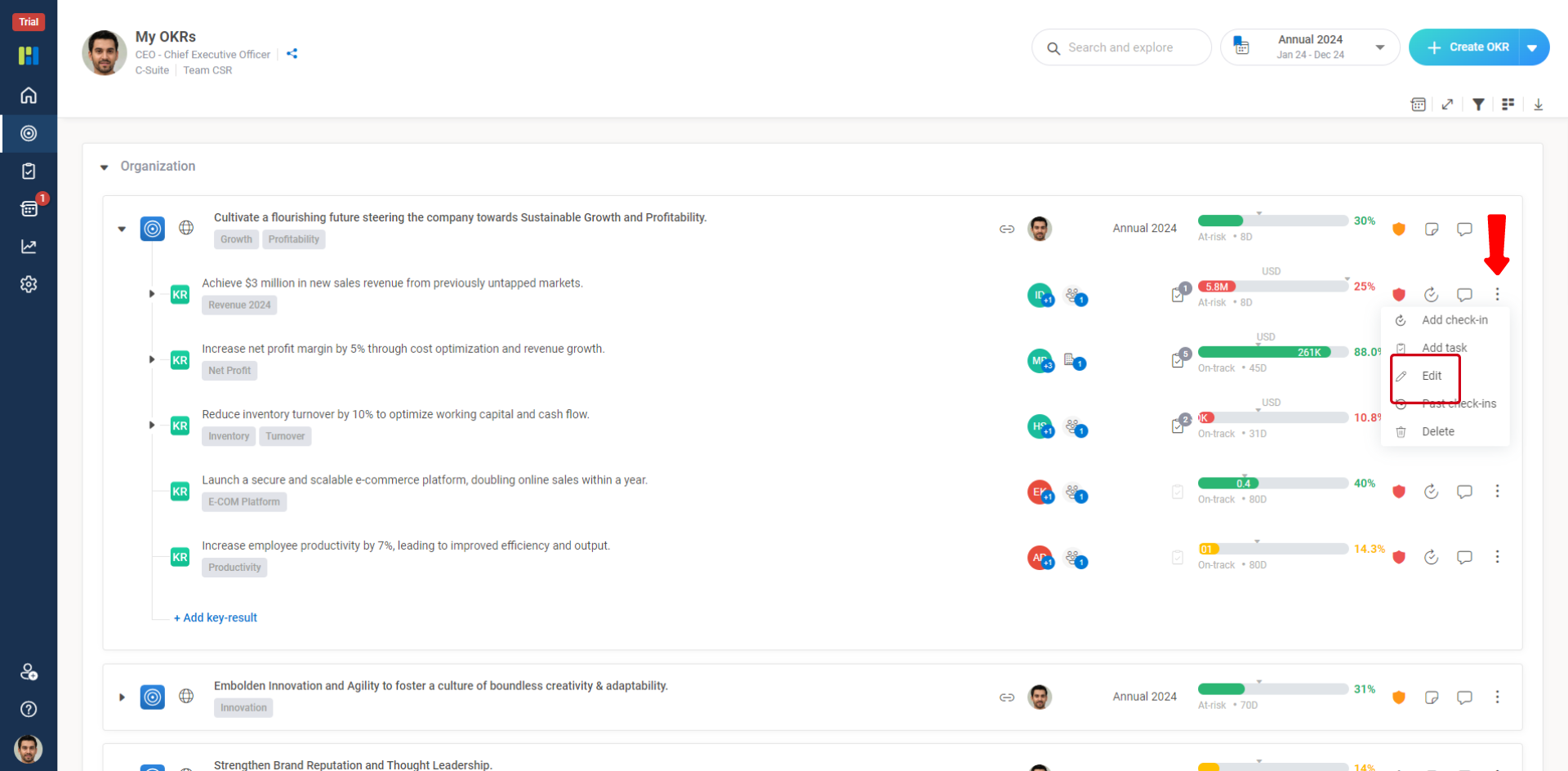
Worxmate allows you to edit and objective and associated Key Results. You can edit all the details of an objective, such as changing the owner, period, and even its tags. You can also remove the draft status for a draft OKR if it is approved by reporting manager.
To edit an objective and associated Key-Results you should be :
Owner of the OKR.
Manager or Team Manager of the OKR Owner.
To Edit an Objective:
Find an objective that you want to edit. To find the objective appropriately, refer to Search and Explore option.
Select the associated period from the list that is displayed next to the Add Objective button.
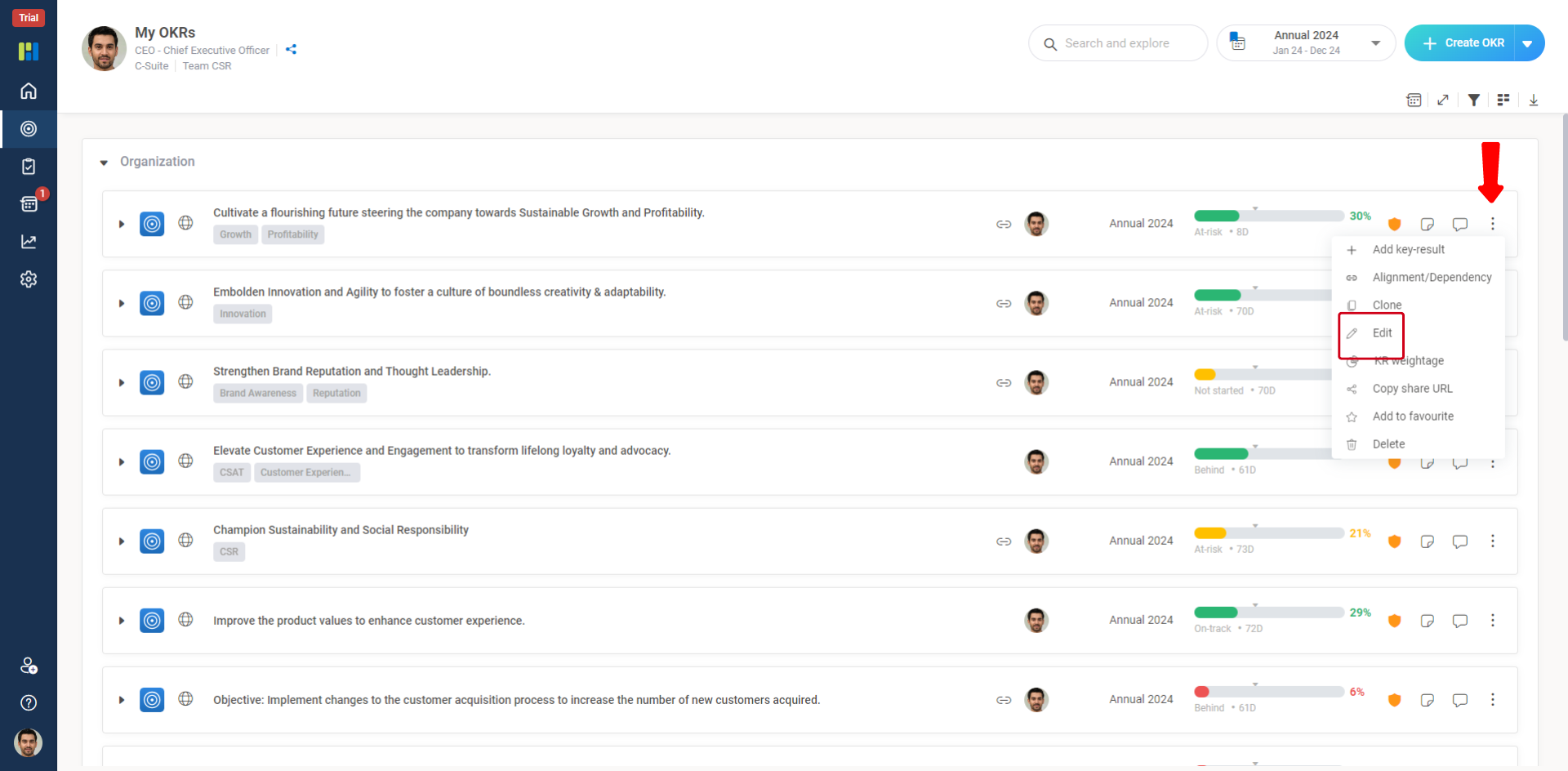
Click the Vertical Three Dots button of the objective that you want to edit, and select Edit.
To Edit a Key-Result :