
Stuck with Login page, getting throbbing W-Logo and Cant Login to Worxmate?
You need to Reset the Cache memory.
Follow the illustrated steps below to clear the cache smoothly:
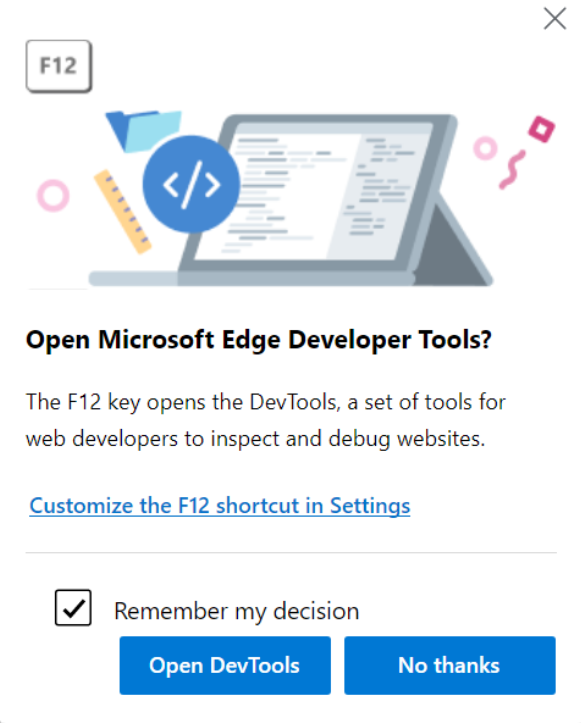
Press F12 or (Fn key + F12) this will open a developer panel on the right side of the browser. Select Open Devtools option.
2. Click the double arrow >> icon
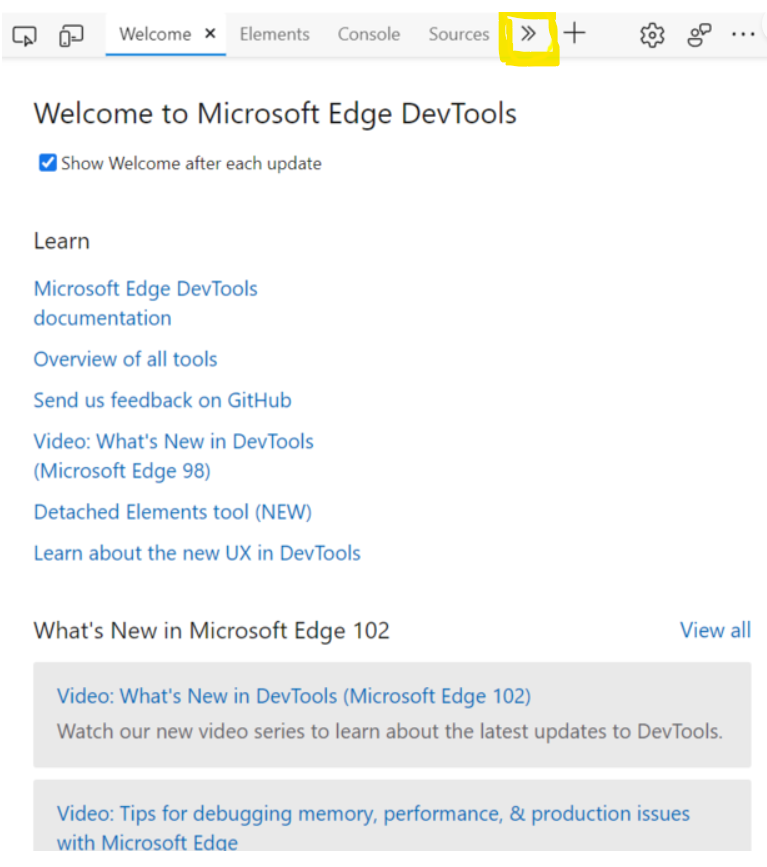
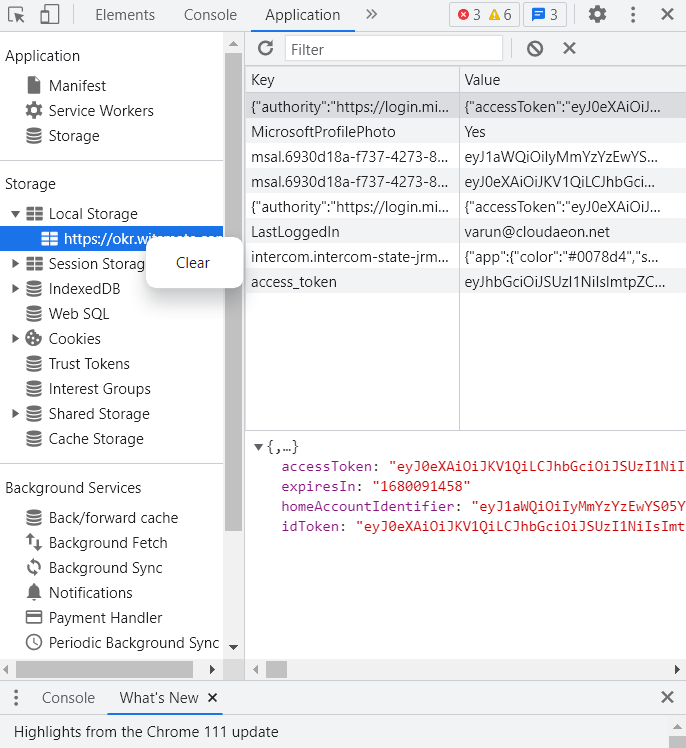
3. Select Application from the drop down list
Go to Local Storage.
Right Click on the okr.witsmate link to clear the cache.
4. Close the window and try logging-in in a new window.
