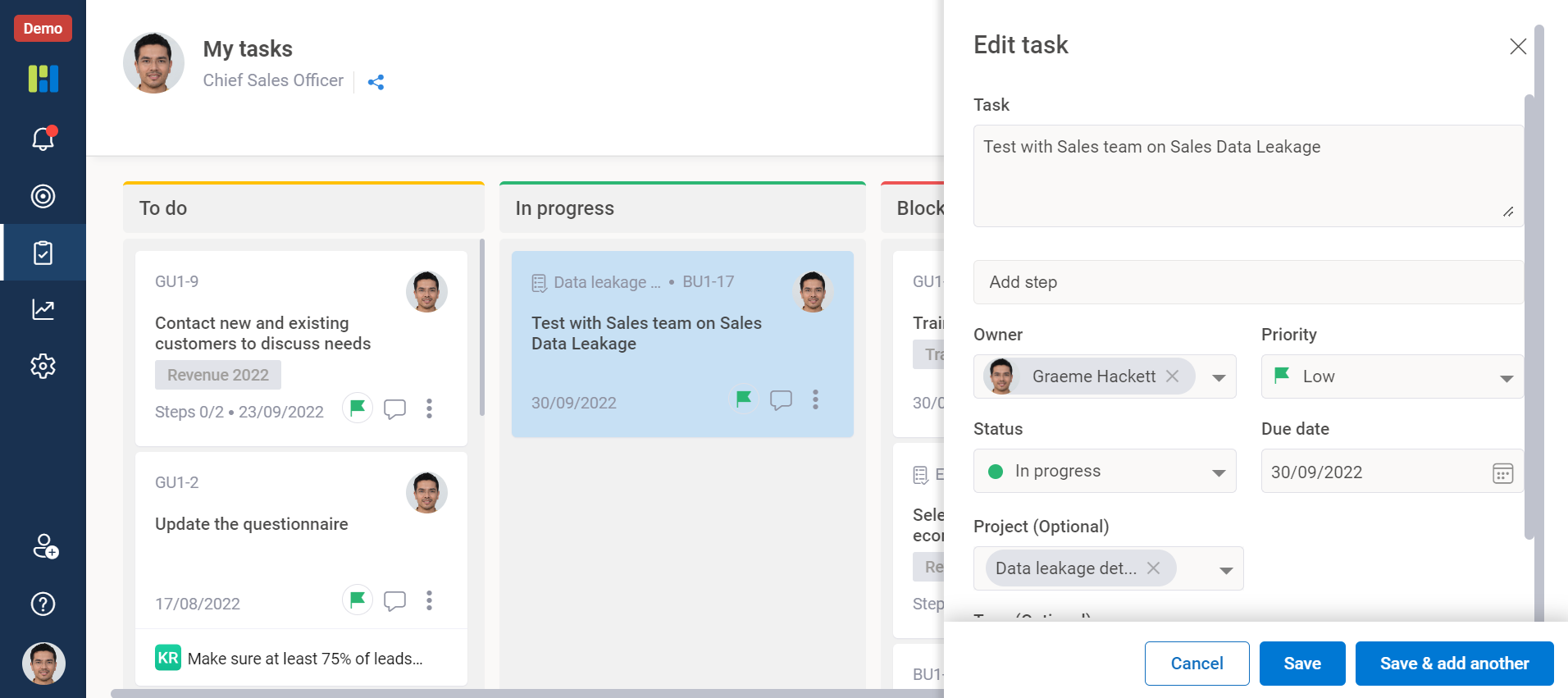
You can create tasks for others or assign already created tasks to others by making use of the Owner property of the task.
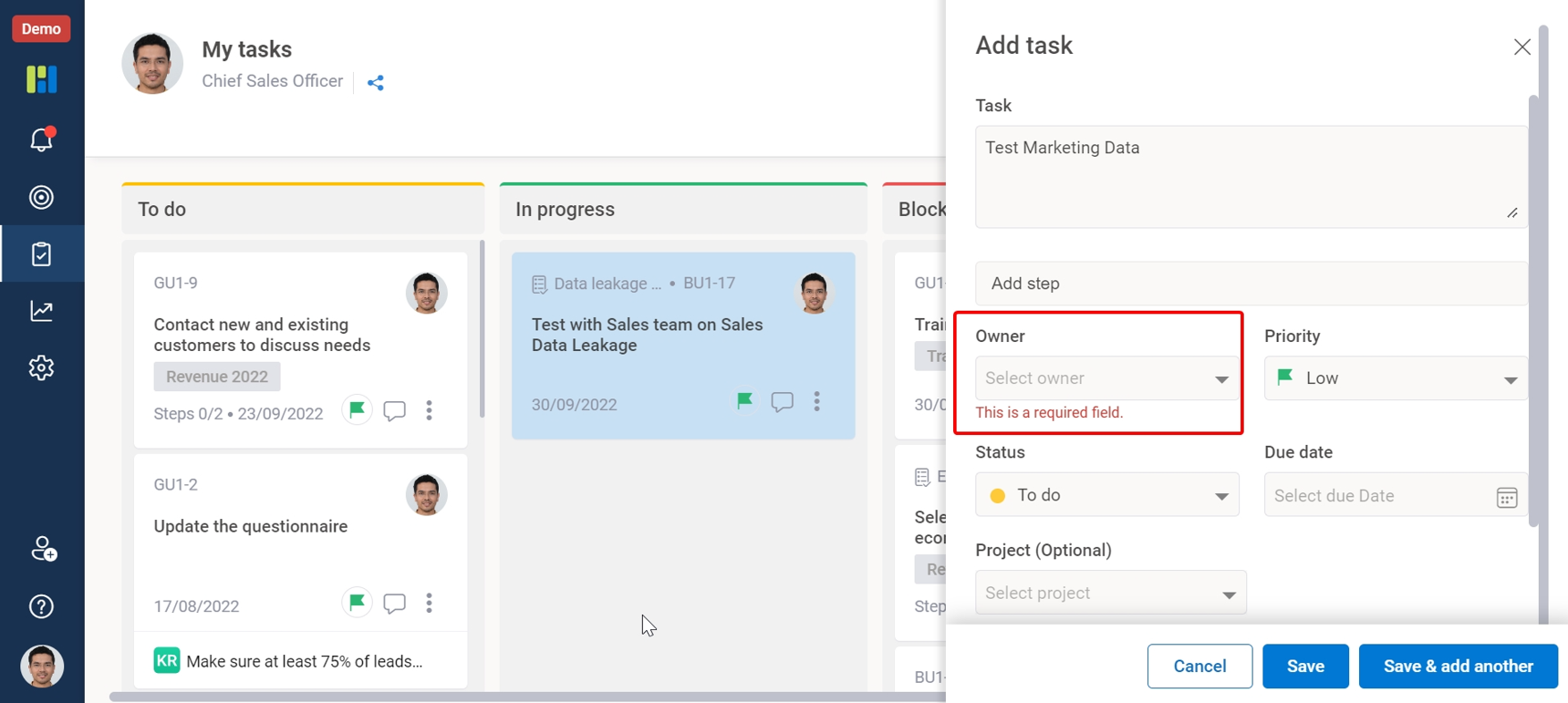
1. Creating tasks for others – While creating a new task (refer – FAQ), change the owner’s name of the task to the user for whom you want to create the task. Click on the “Owner” dropdown field, search for the username and then select the user. Click save to save the changes. Click on the “Owner” dropdown field, search for the username and then select the user. Click save to save the changes.
2. Assigning already created tasks to others – If you have already created a task, then go to “My Tasks” section and select the task that you want to assign. Click on 3 dots icon on the task. Select the Edit option. This will open the task edit window. Click on the “Owner” dropdown field, search for the username and then select the user. Click save to save the changes.