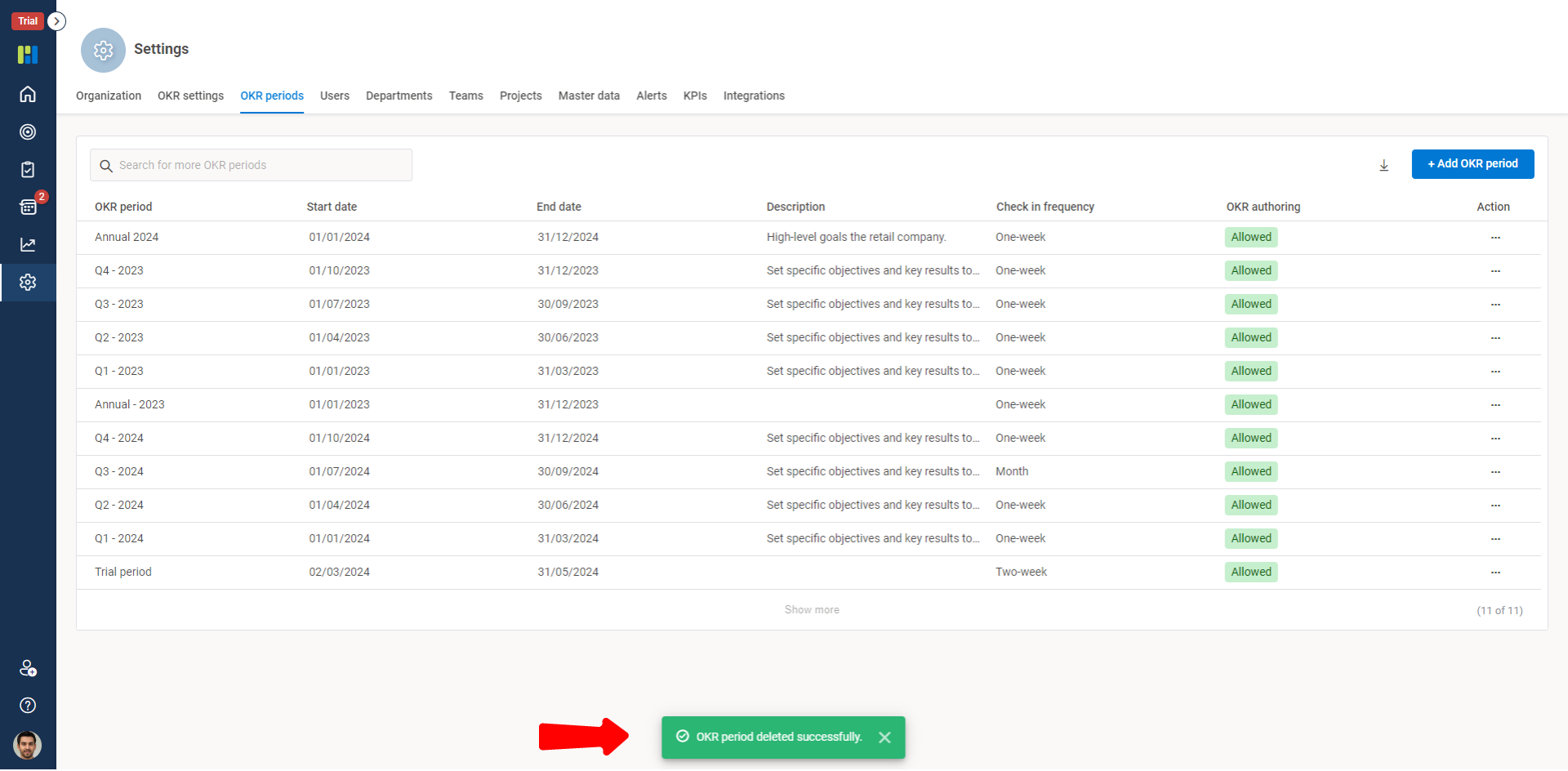
Worxmate lets you to edit and delete and OKR Period. however you must make sure to delete an OKR Period there must be no objectives under that selected period duration. Worxmate recommends a management decision/approval before deleting an OKR period.
To Edit an OKR Period:
Step 1:
From the Vertical Menu Bar, click Settings.
Click the OKR Periods tab.
Select the OKR Period you want to edit or delete.
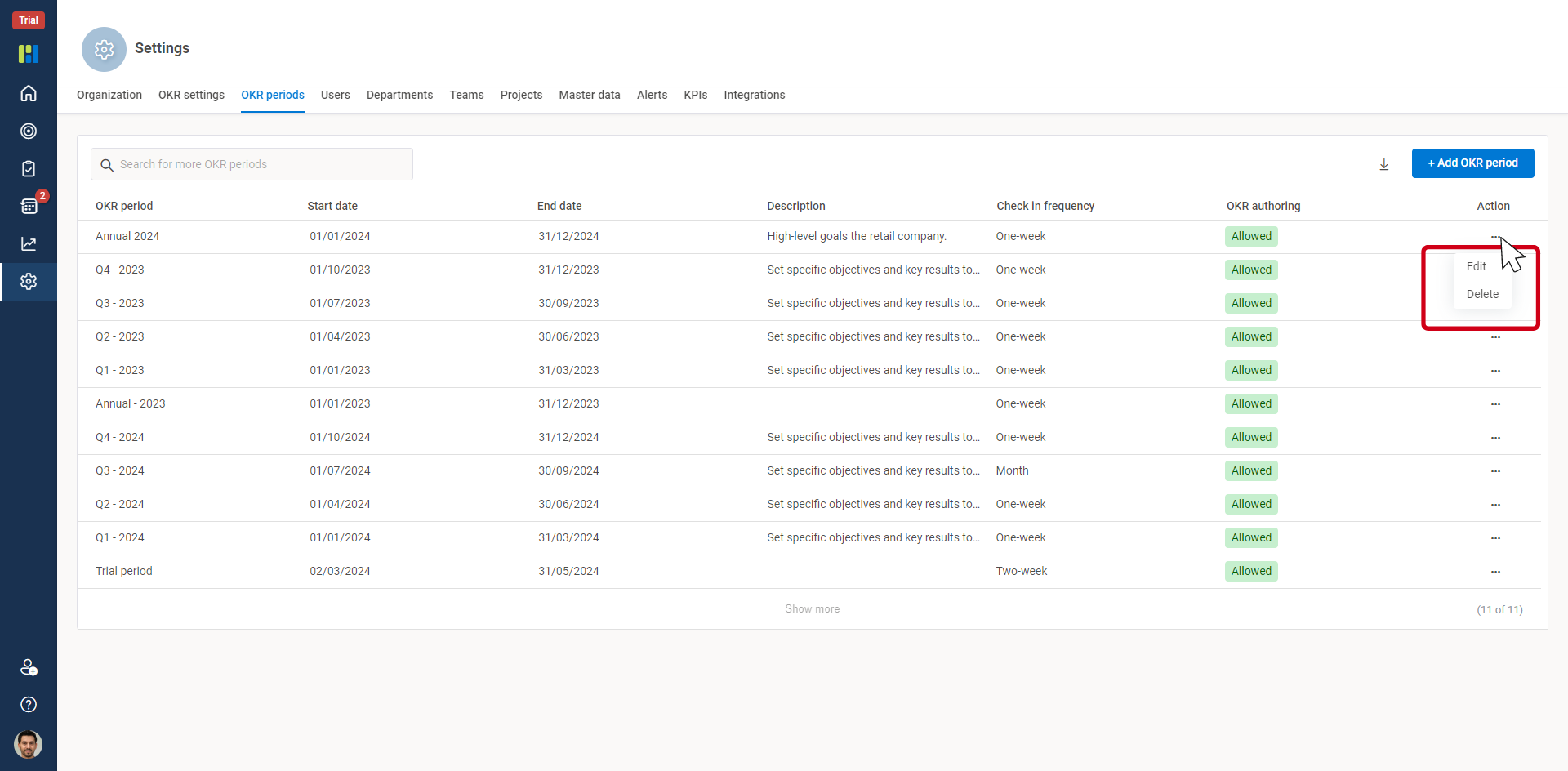
Step 2:
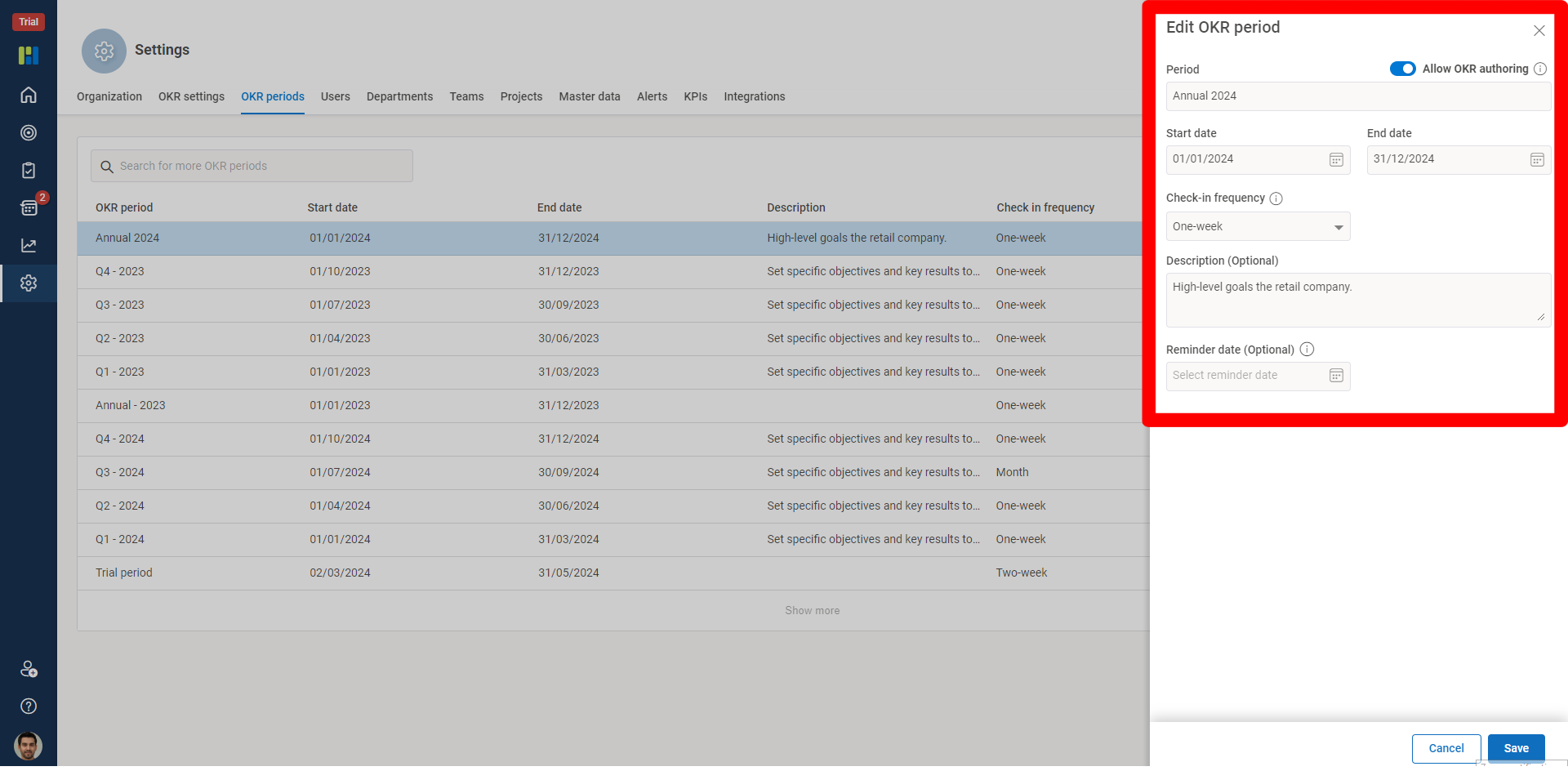
Edit will let you to edit the following details for the period:
Edit a period.
Edit a start and end date.
Select the Check-in Frequency.
Edit the details of a period, in Description.
Enable/Disable OKR authoring.
To Delete an OKR Period:
Step 1:
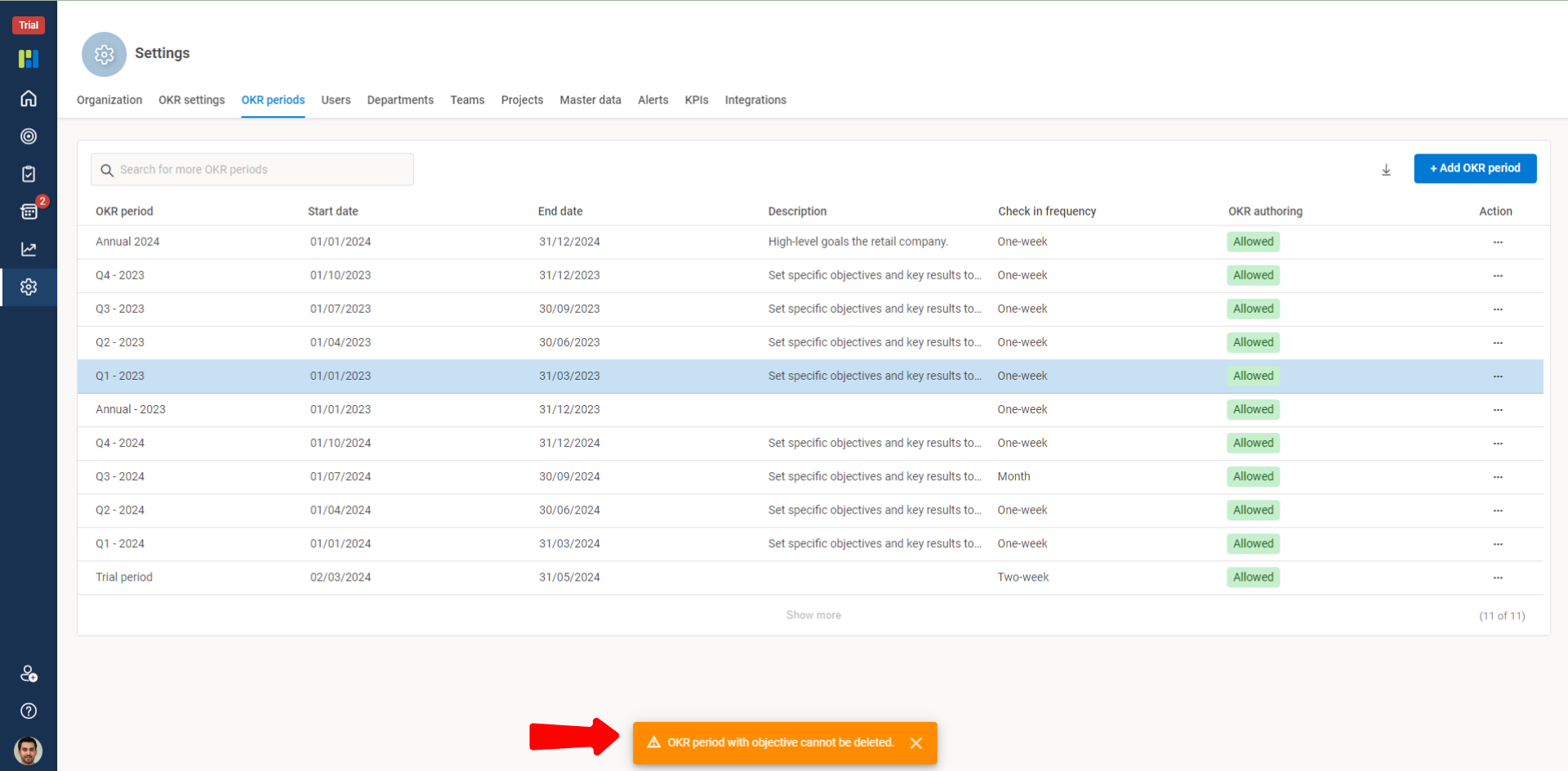
To Delete an OKR Period make sure you have no OKRs under the selected period duration.
An OKR Period duration with no OKRs can be deleted as shown below: