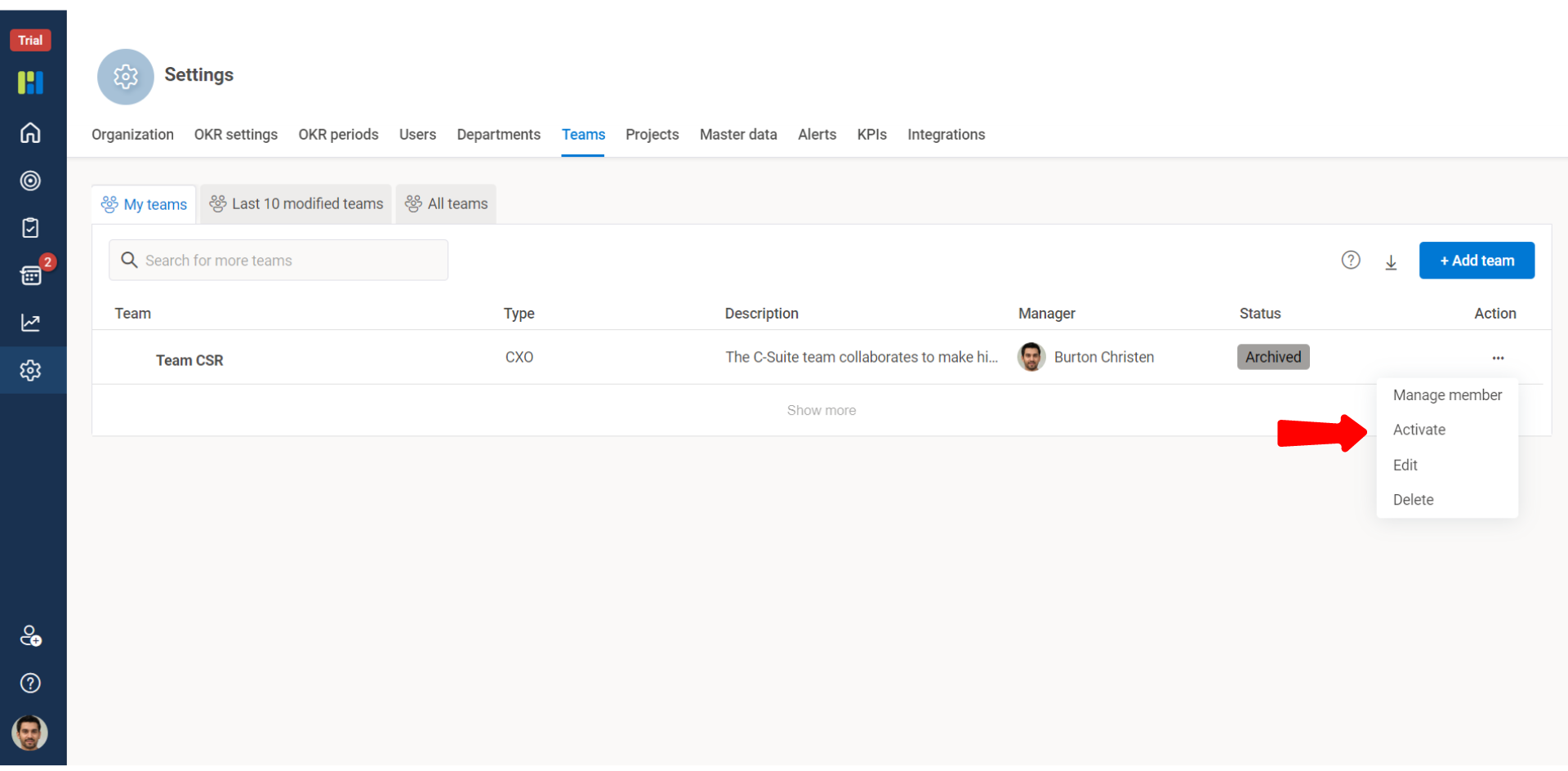
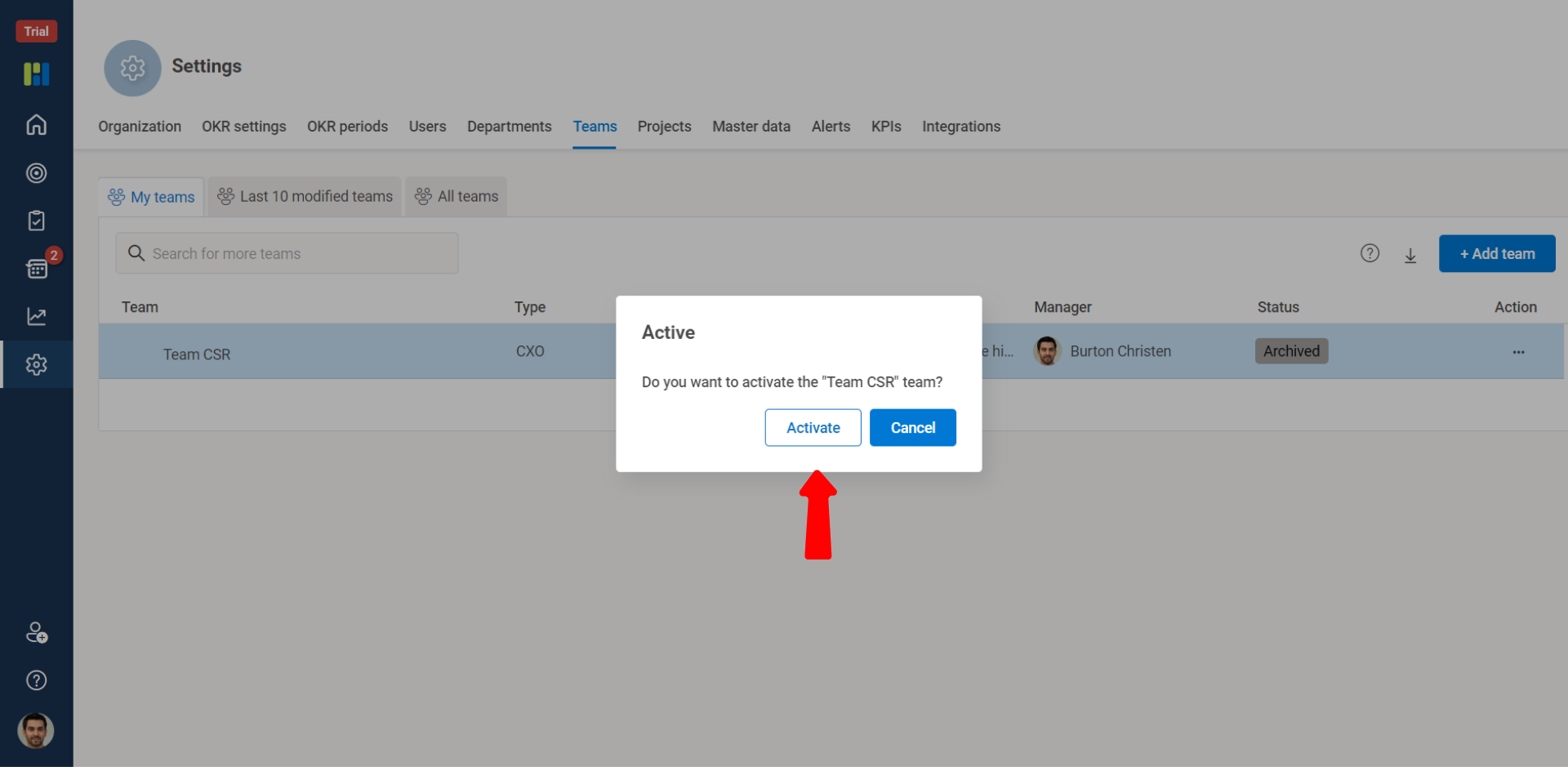
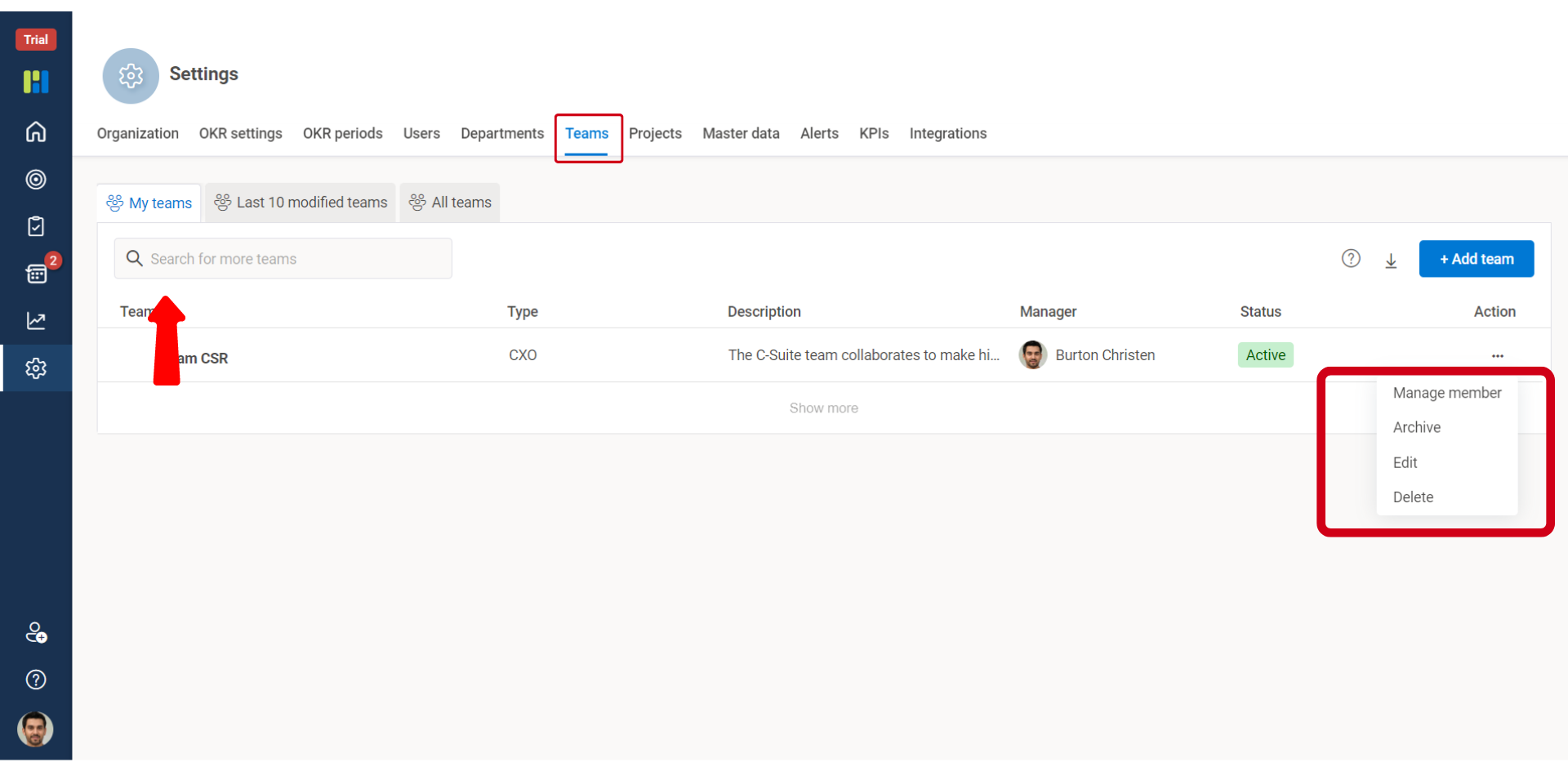
Worxsmate lets you to edit, archive and delete Team. However you must have A super User or Admin access role type privileges to edit, archive and delete Teams.
Points to Know:
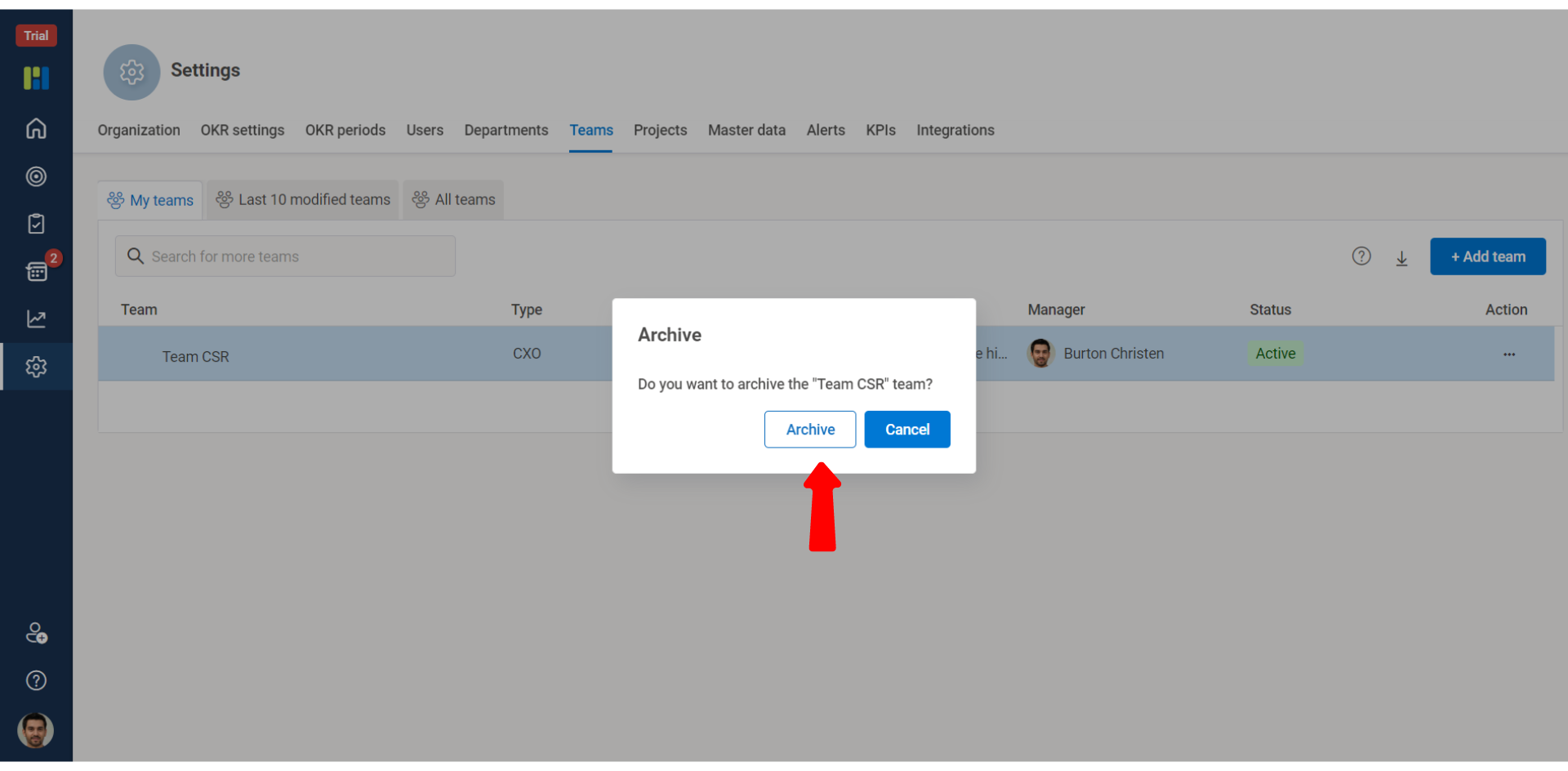
You cannot archive a Team at any point of time having OKRs assigned and having users added in the team.
Even a Parent team with no objectives but having child team with active objectives cannot be deleted.
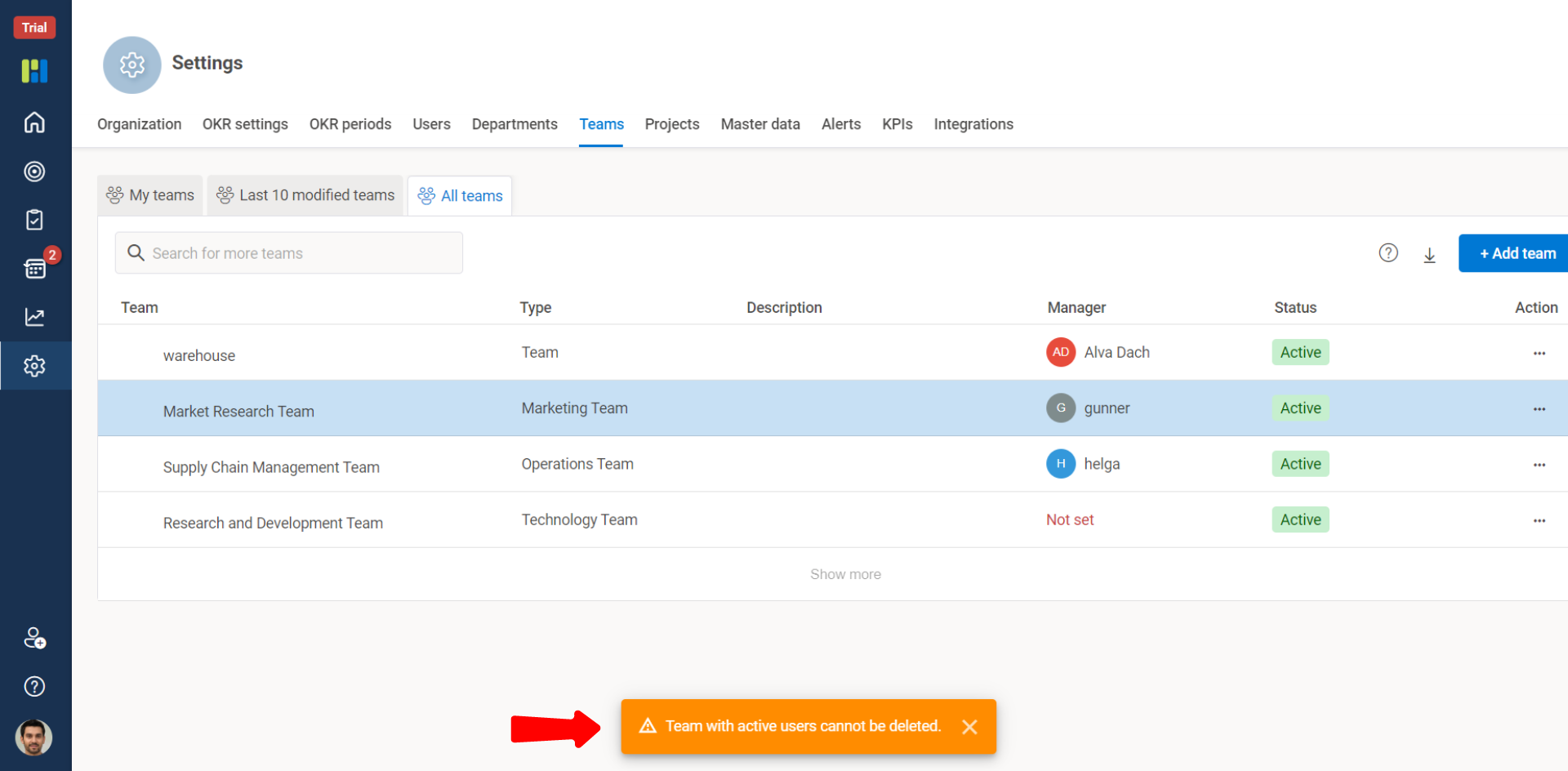
To delete a Team, there must be no objectives owned by that Team and no users must be present in the team.
To edit, archive or delete a Team perform below listed steps:
From the Vertical Menu Bar, click Settings and go to the Teams tab.
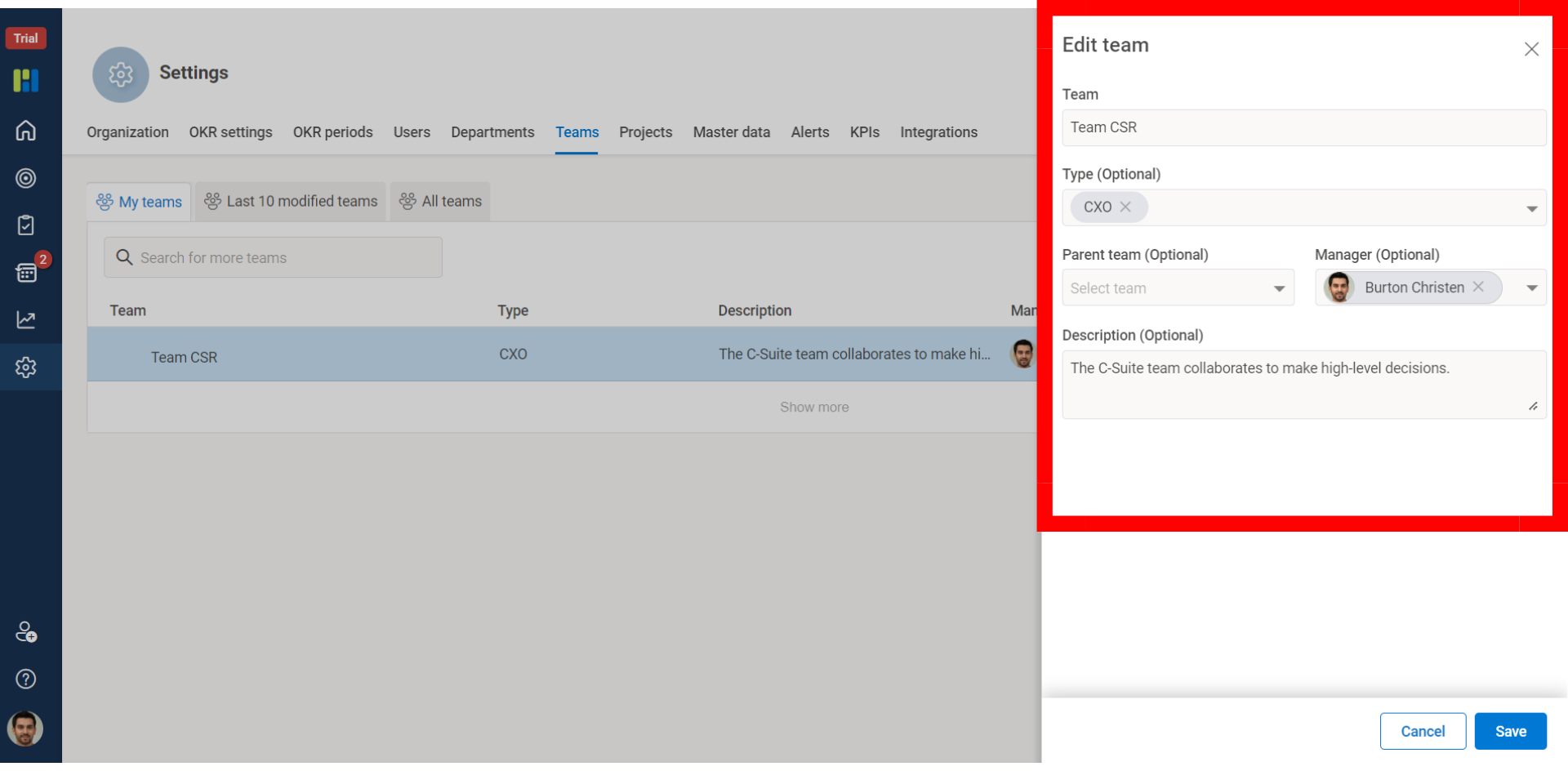
You can search for the team & edit following details:
Edit the name of the team, in Team.
(Optional) Edit the type of team & description as per your organization norms.
If the team is under another team, you can edit the Parent team or make it an individual team.
From the Manager drop-down list select the person who manages the team.
To Edit a Team : Perform the steps as mentioned above
1)
2)
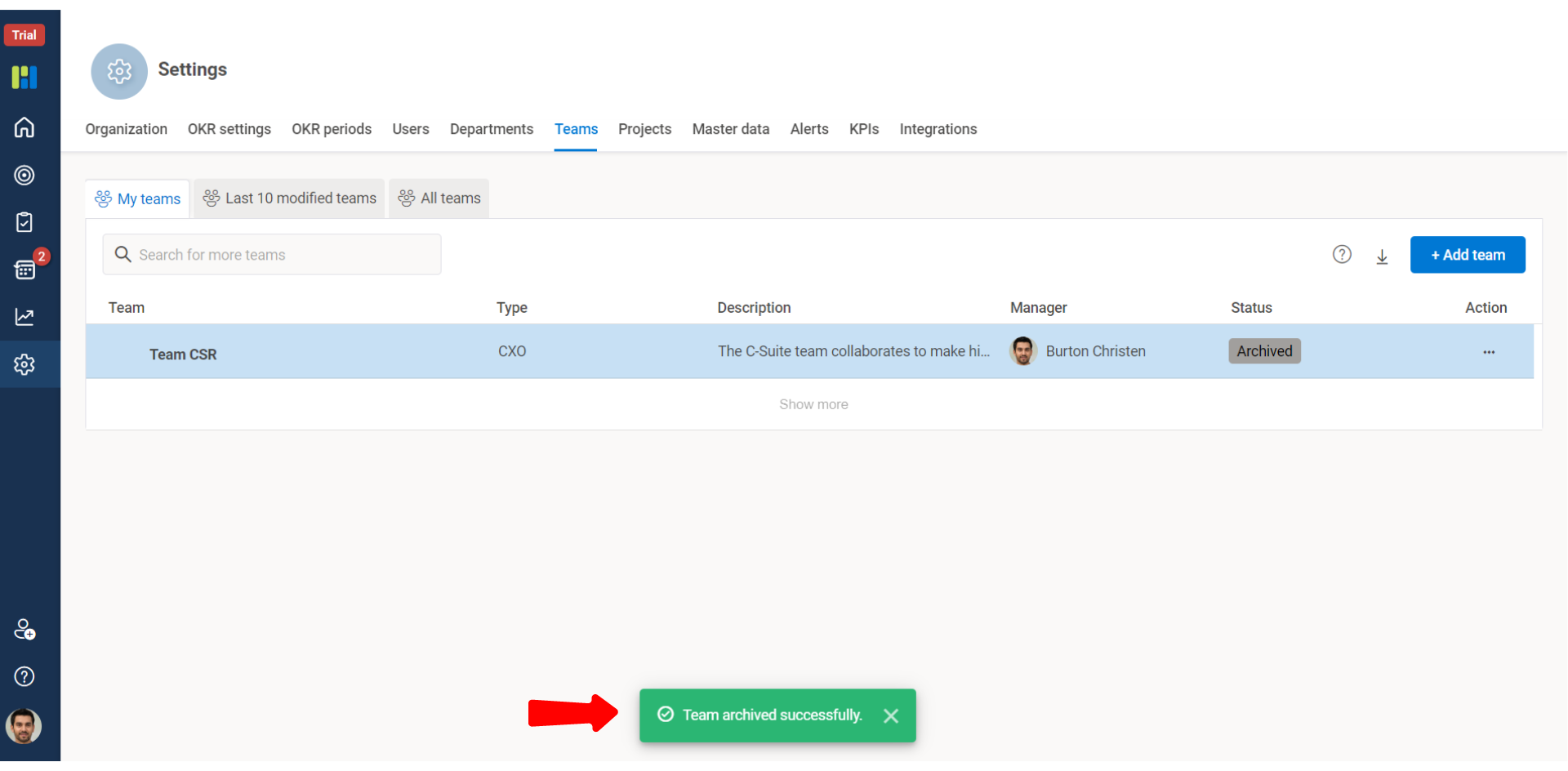
To Archive a Team :
To Delete a Team : Ensure there are no users in the team and team does not have assigned OKRs.
To Activate a Team :