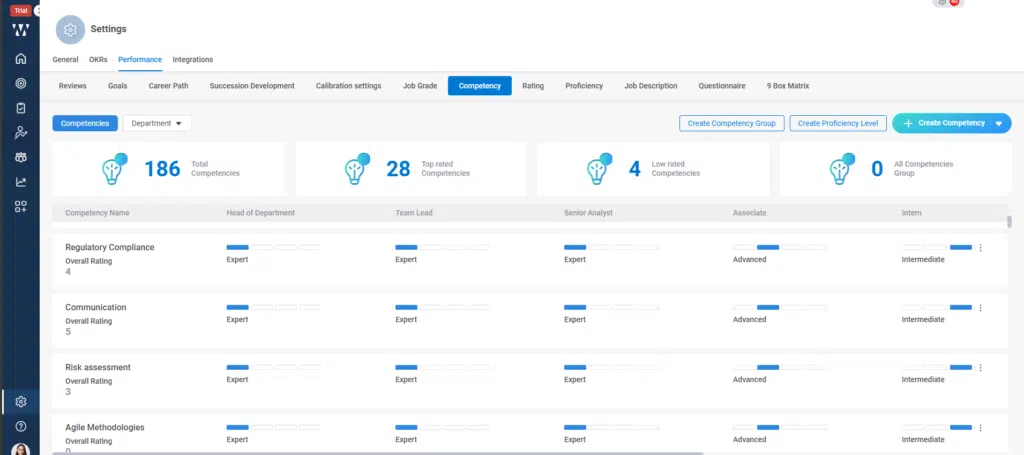
Step 1: From the Homepage, Navigate to the “settings”:
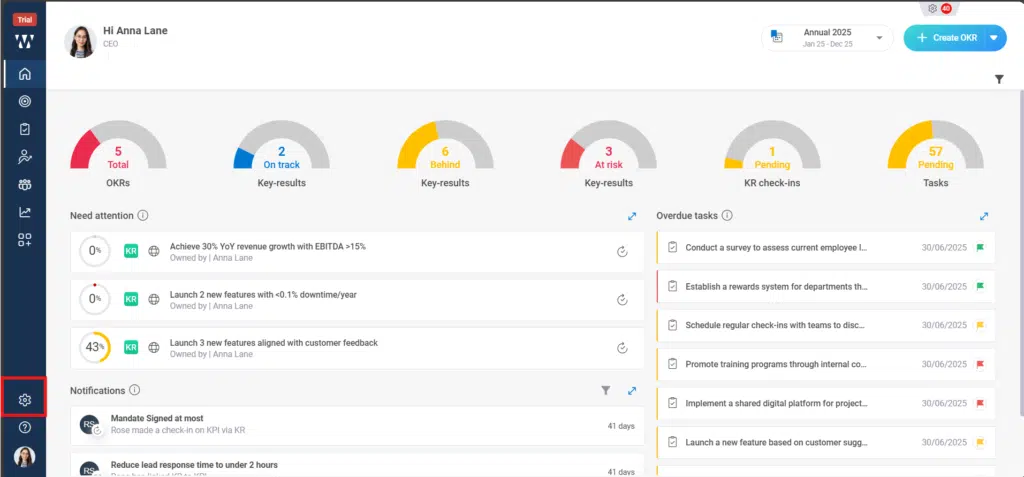
Step 2: From the performance Module go to the Competency tab:

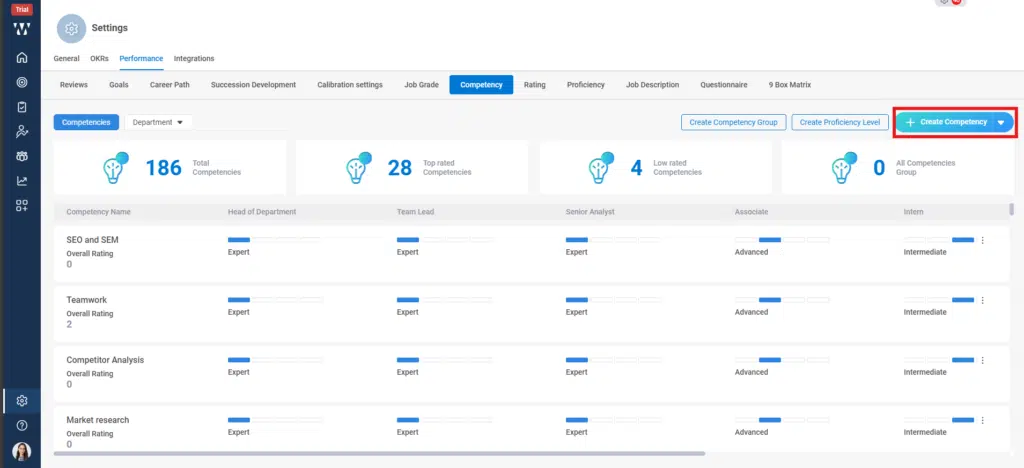
Step 3: The window will appear where you can see the existing competencies. To create new competencies with AI click on the “+ Create Competency”:
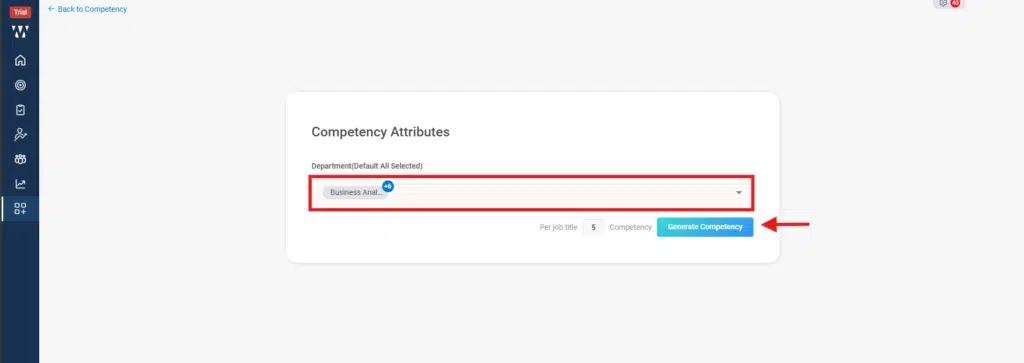
Step 4: Here you’ll find the AI board where you need to select the departments for which you want the create competency and click on “Generate Competecy”:
Step 5: The AI will show the Competencies for each job title related to the department:
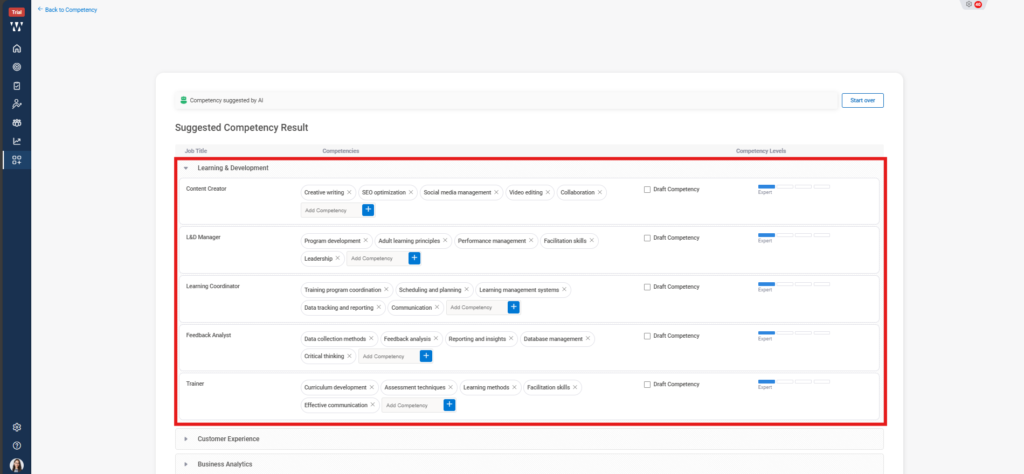
Step 6: After selecting all click on “Publish Competency”:
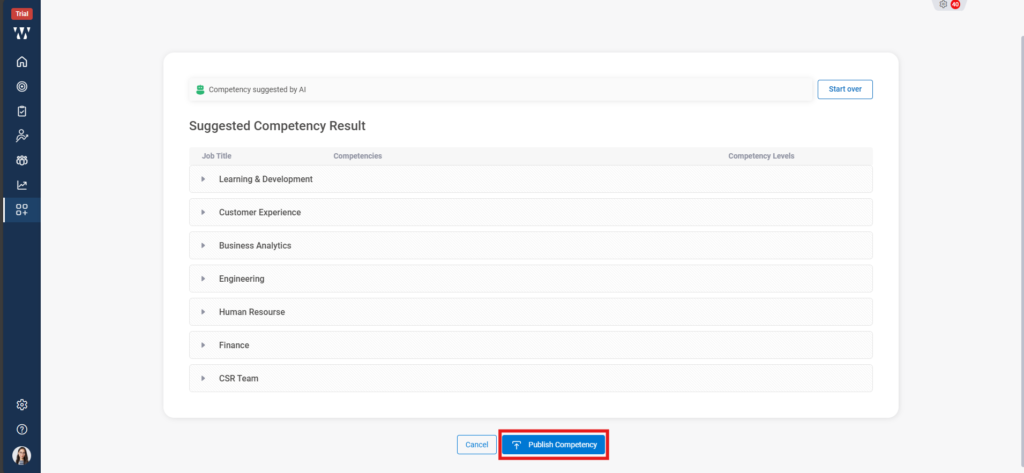
Step 7: The final window with published Competencies will appear: