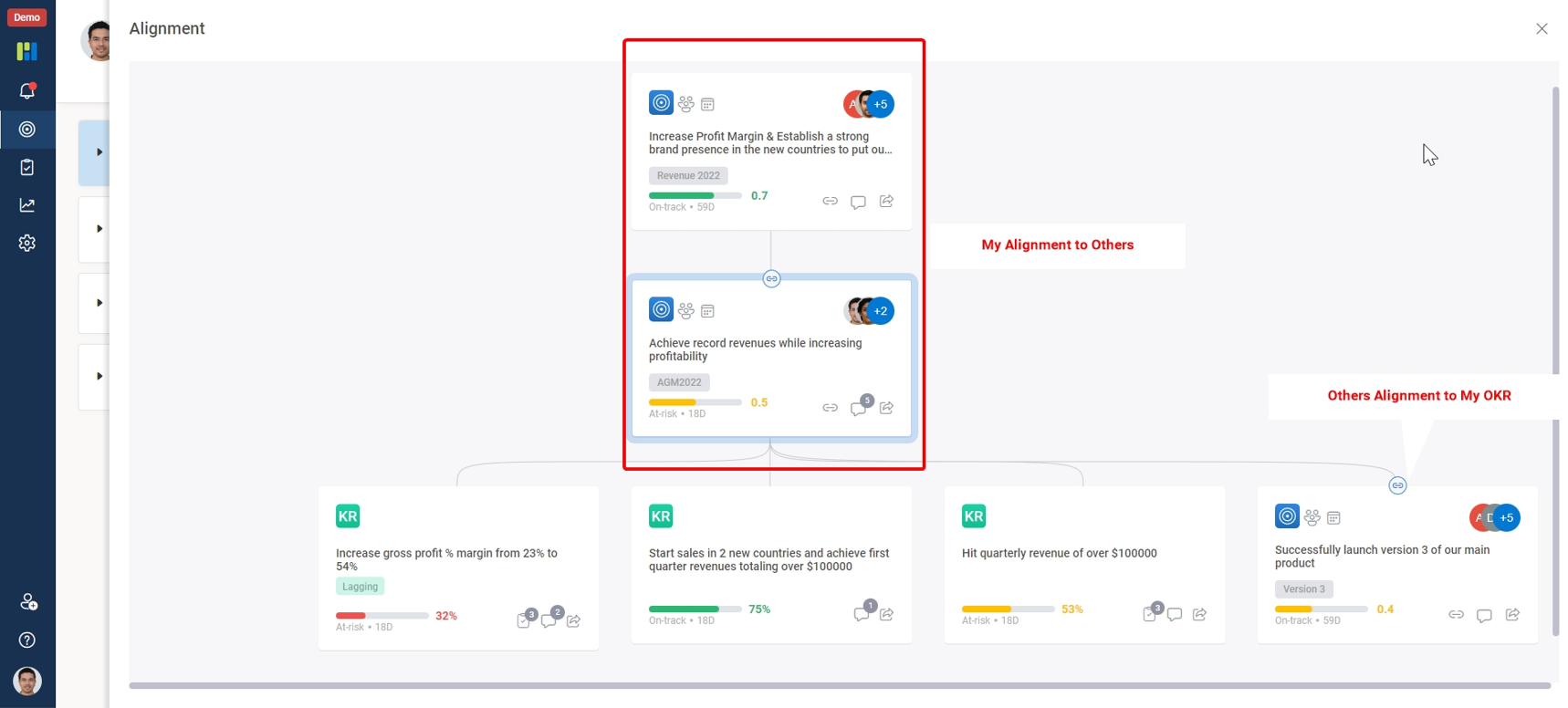
To Check your OKRs and alignments you just need to login into the witsmate and :
Click the OKRs icon on the vertical menu bar select the objective to overview its progression.
To view alignments click on the Chain link icon denoting alignment on the aligned OKRs.
To view your OKRs and OKRs with alignment :
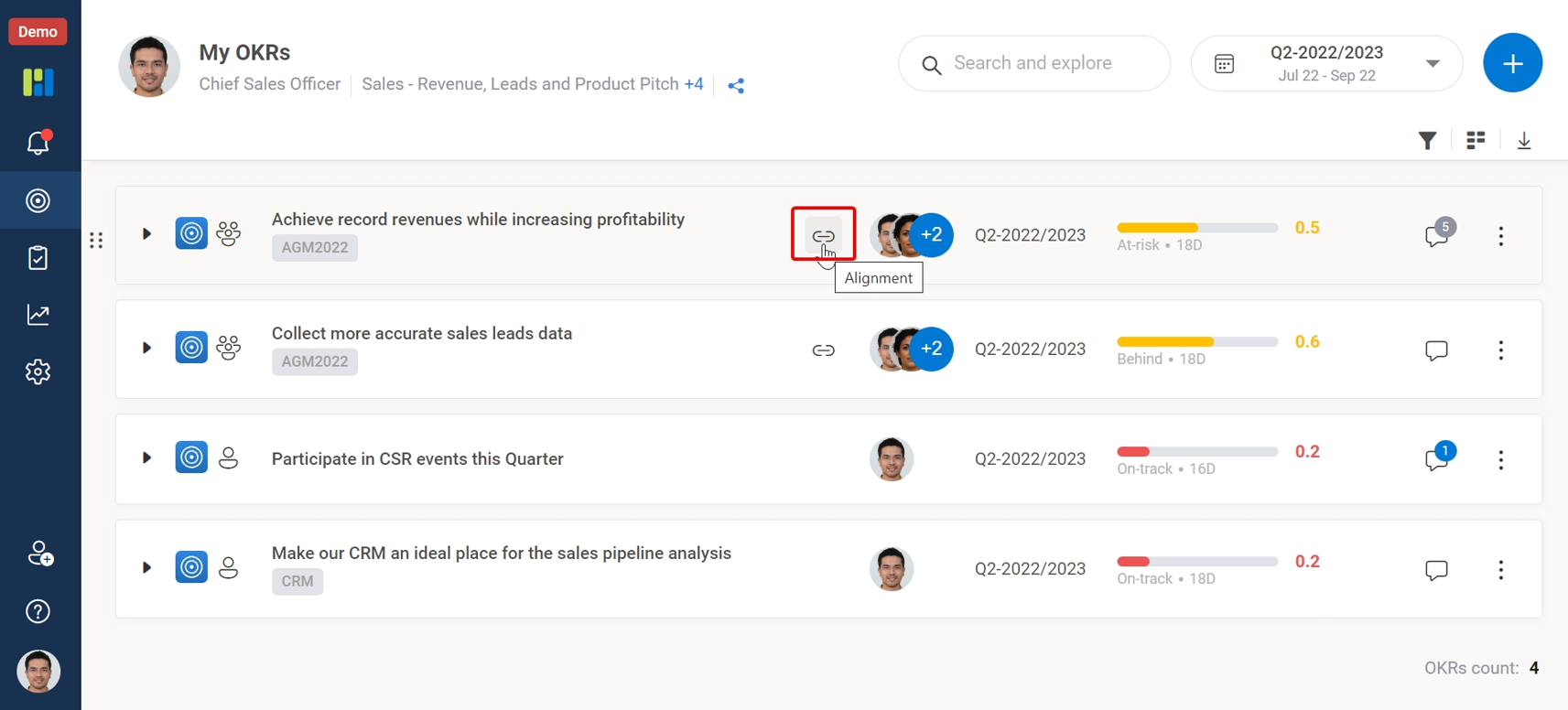
To view OKR alignments :