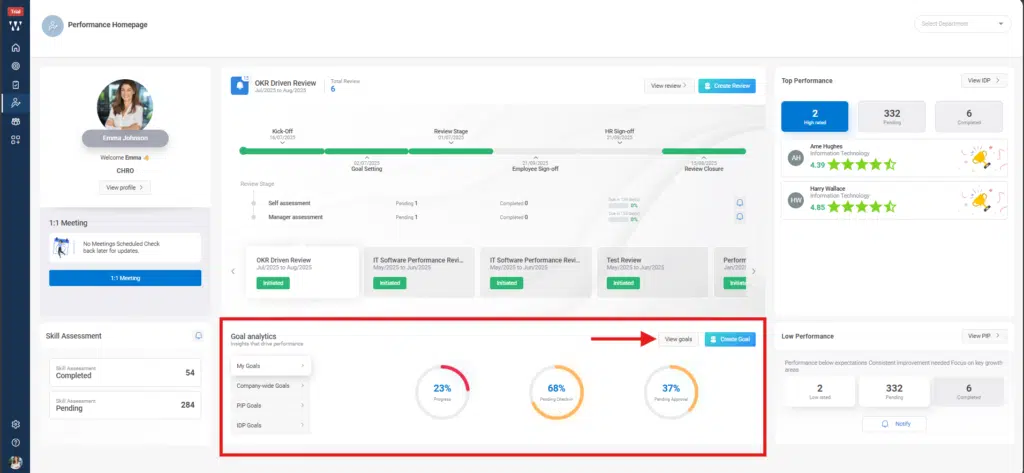
Step 1: From the homepage, Navigate to the Performance Homepage. From the “Goal Analytics” Section, click on “View Goals”.
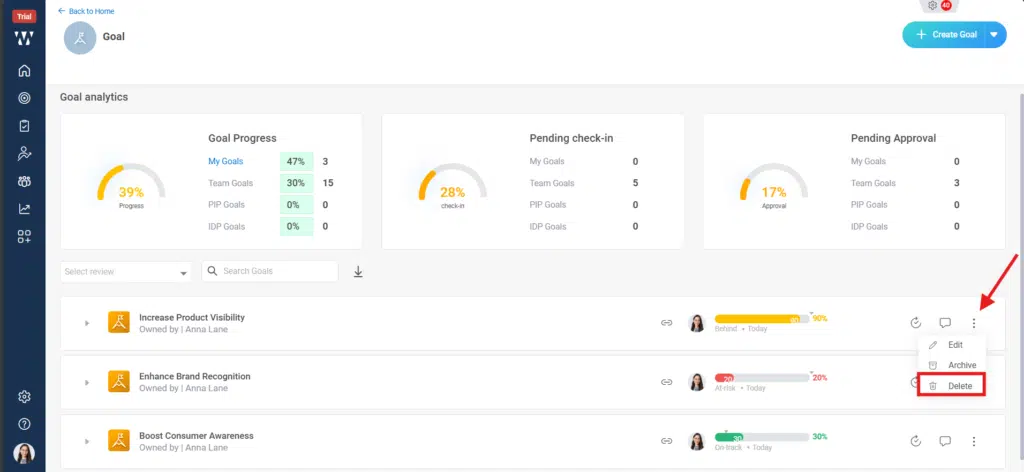
Step 2:The window will appear were the existing goals that are assigned to will be displaced. Click on the “Three Dots” beside the goal and click on “Delete” to delete the goal.
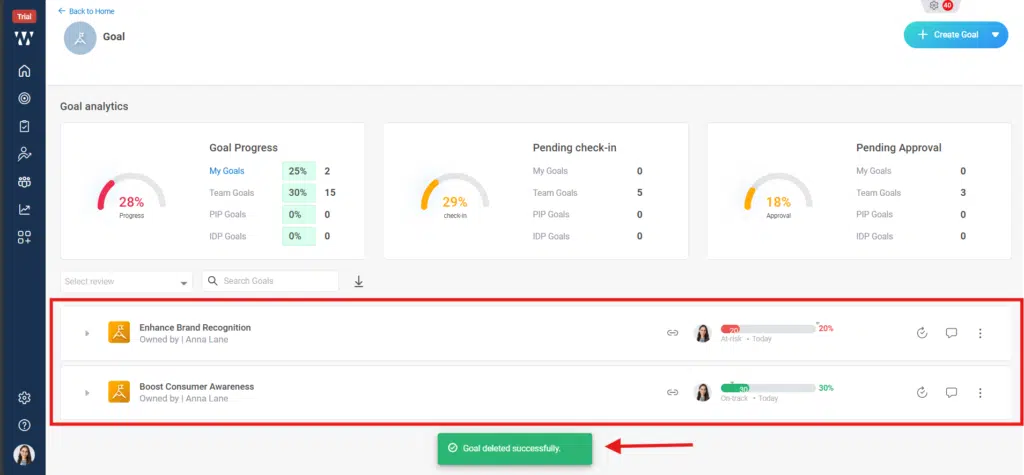
Step 3:The final window with deleted goal will appear.