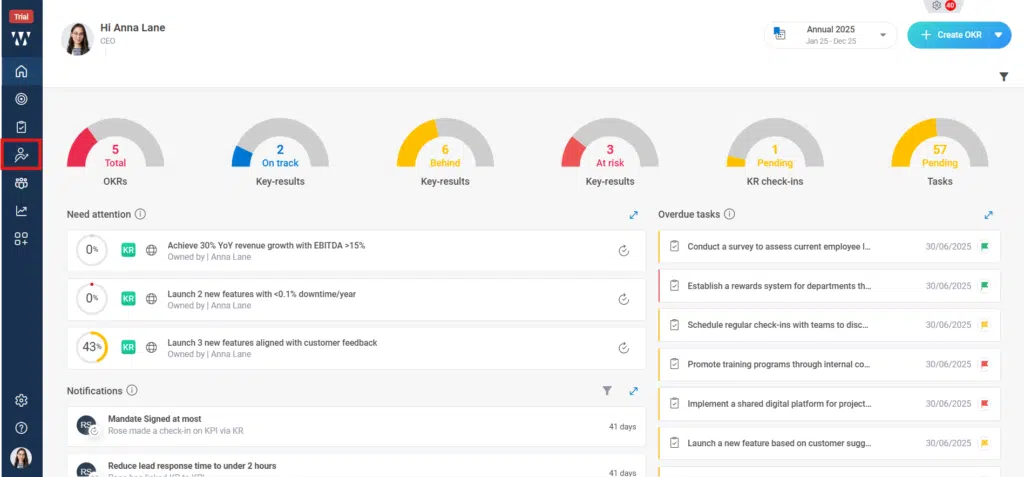
Step 1: From the Homepage, Navigate to the Performance Homepage:
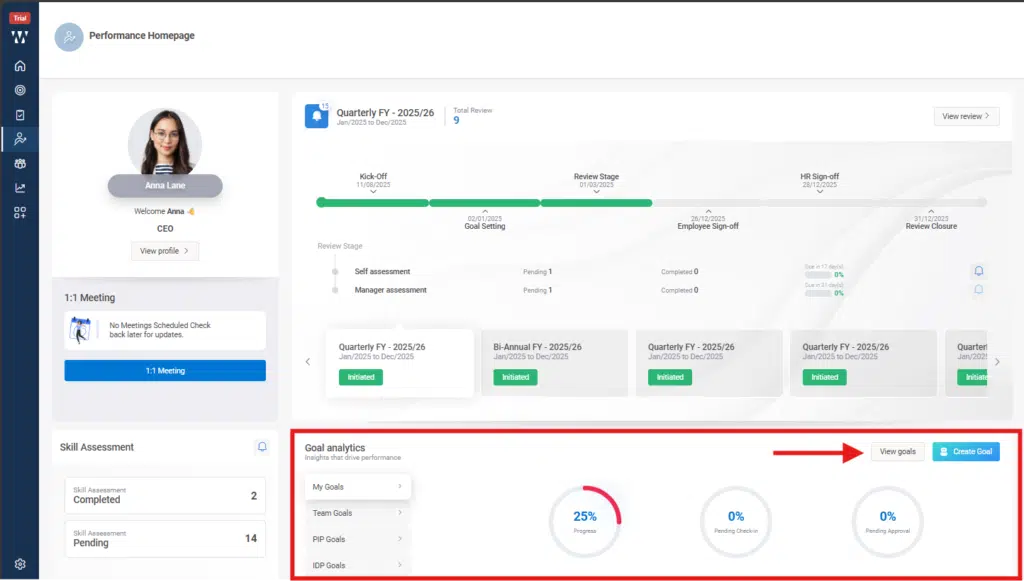
Step 2: Go to the “Goal Analytics “Section and click on “View Goals”:
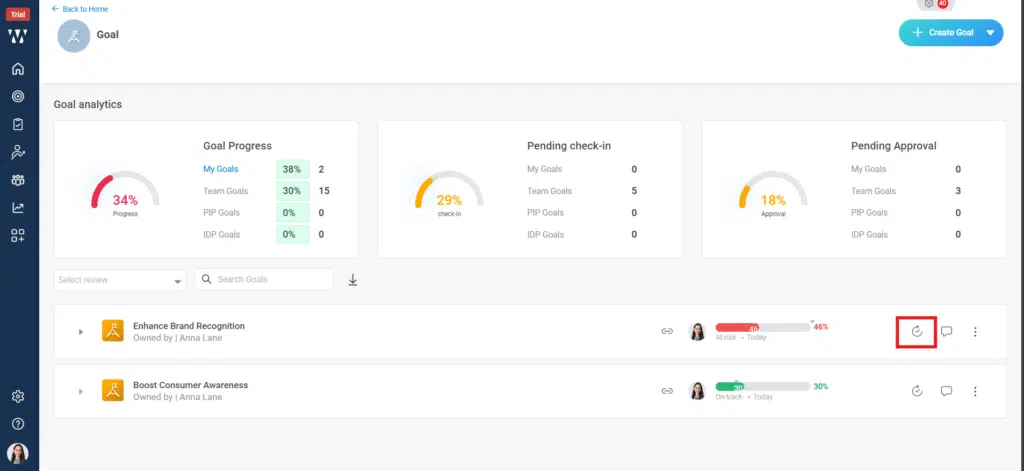
Step 3: The window will appear where the existing goal will be there, to see the progress or to update goal status click on the small check in icon beside the comment icon as shown in the picture:
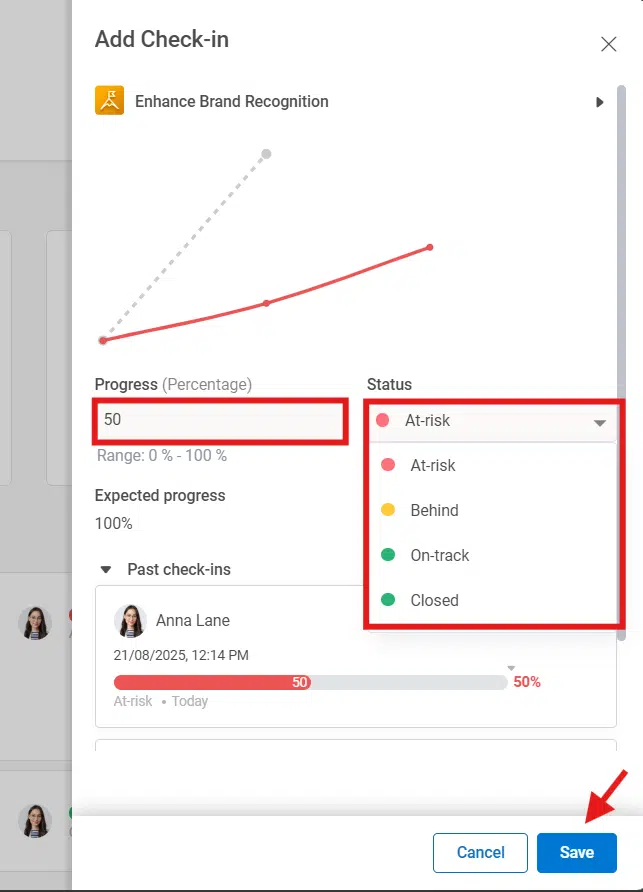
Step 4: A check in window will appear where you can make the progress update and set the Goal status and click on “Save”:
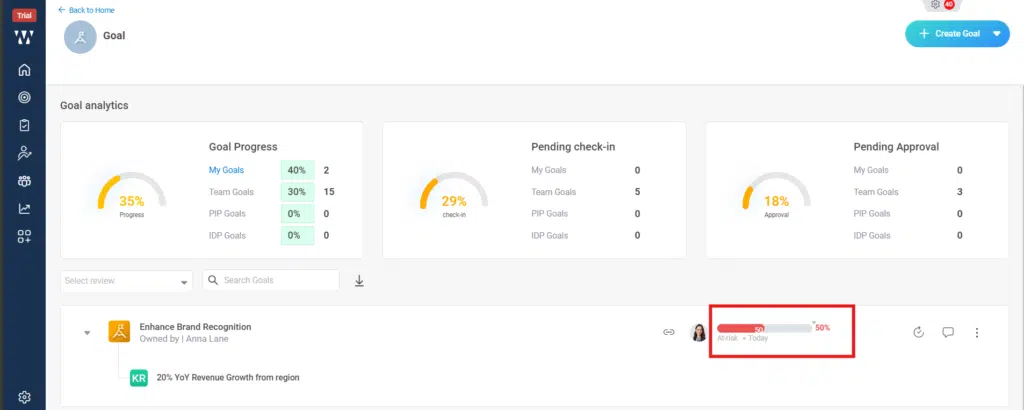
Step 5: The final window with updated Goal status will appear on the main window: