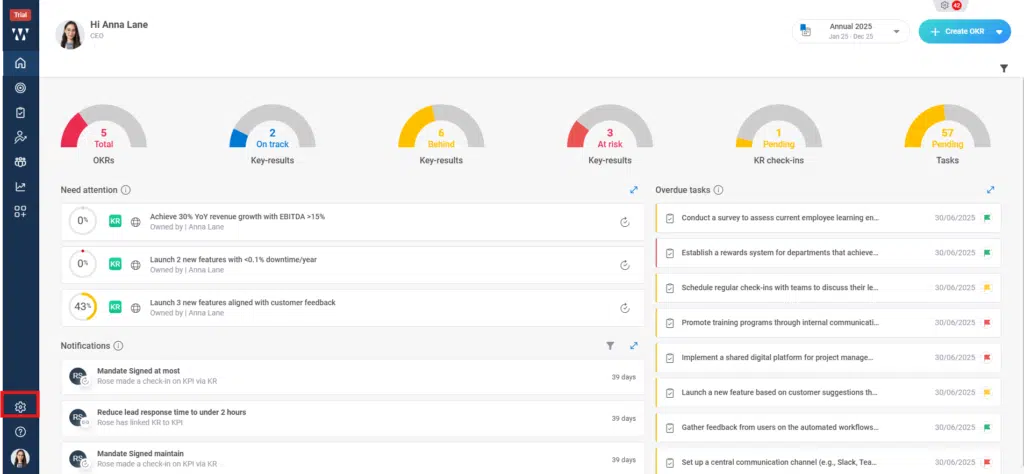
Step 1: From the Home , Navigate to the settings
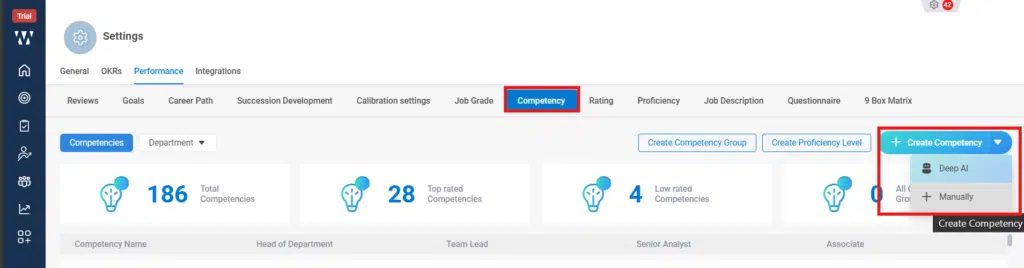
Step 2: From settings go to the Performance module and you’ll find different Performance settings there, click on “Competency:

Step 3: Next click on the “Competency” And click on “Create Competency”, there will be two options how you can create Competency i.e., DEEP AI or Manually. Click on DEEP AI:
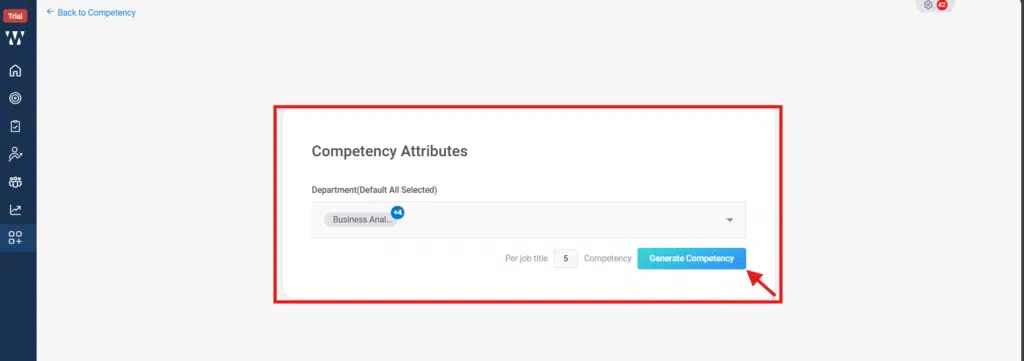
Step 4: For DEEP AI, Select the Departments that you want your competency , select how many Competency you want and click on “Generate Competency”:
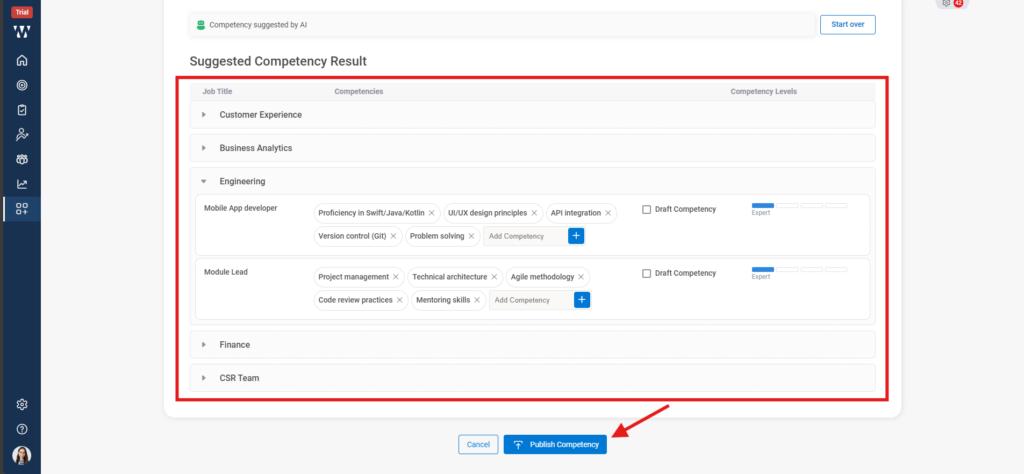
Step 5: The following window will appear with the suggested competencies; you can select the competencies and click on ‘Publish Competency’:
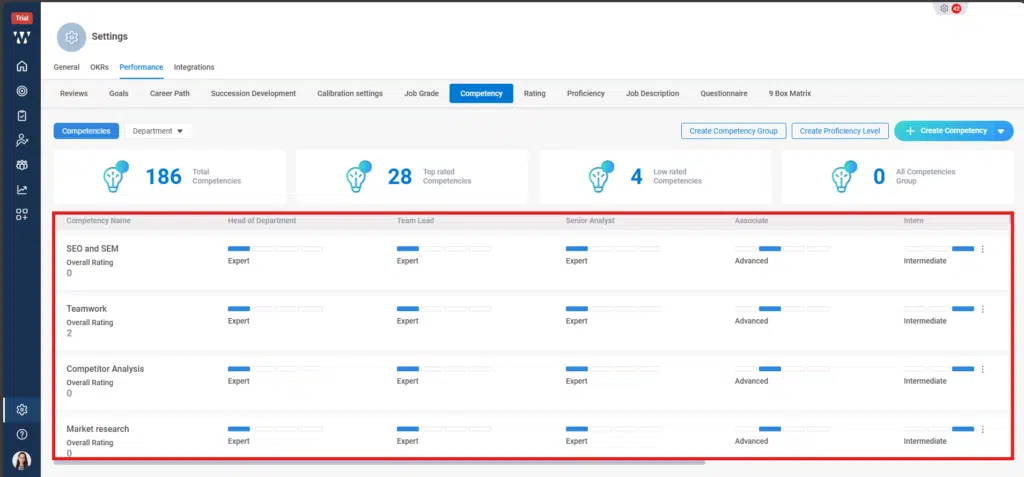
Step 6: The final window with published Competency will appear: