
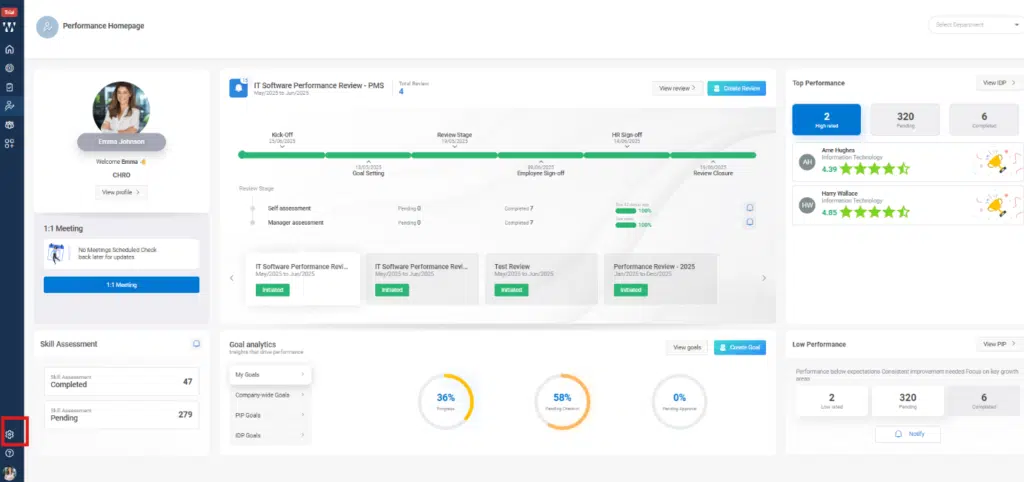
Step 1: On the PMS homepage, click Settings, then select Performance.

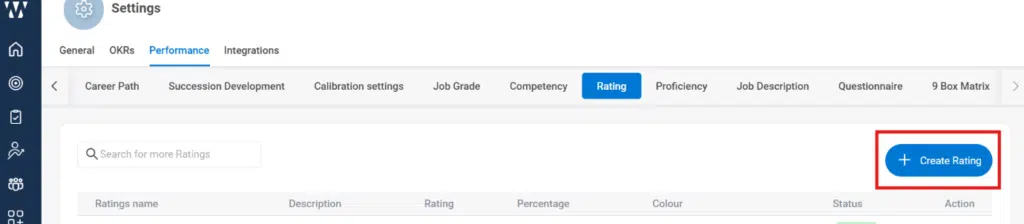
Step 2: On the performance page click on “Rating”.

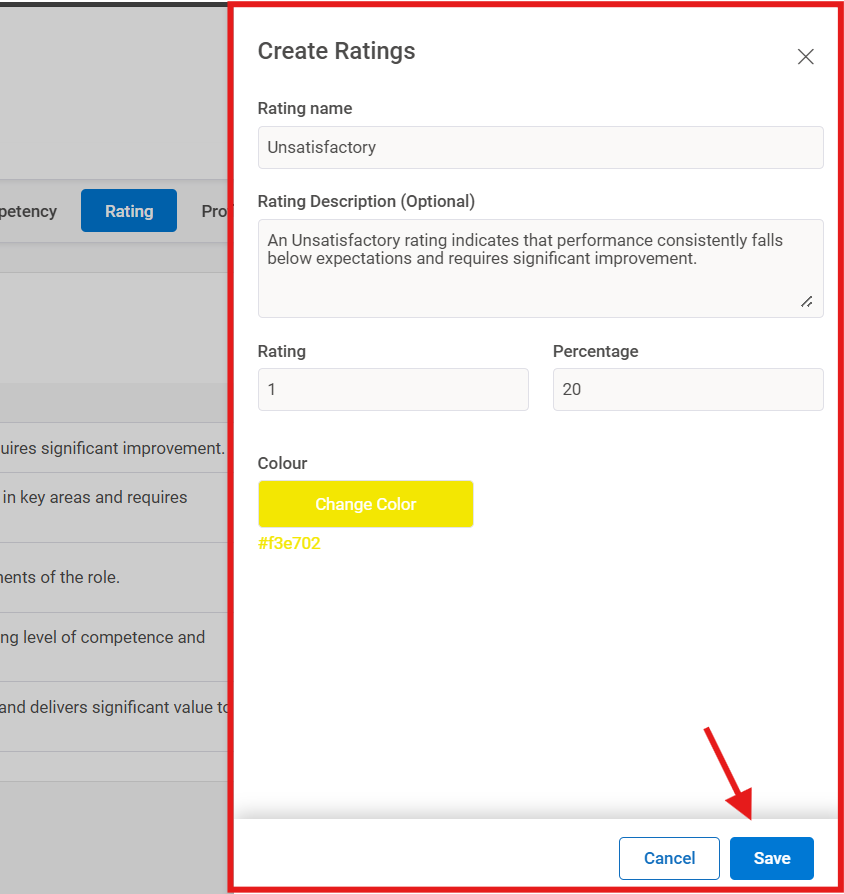
Step 3: When you click on “Add Ratings” a window will pop up where you can set the scale for each rating.
Step 4: The next is to set up the Proficiency Level, click on Create Proficiency:
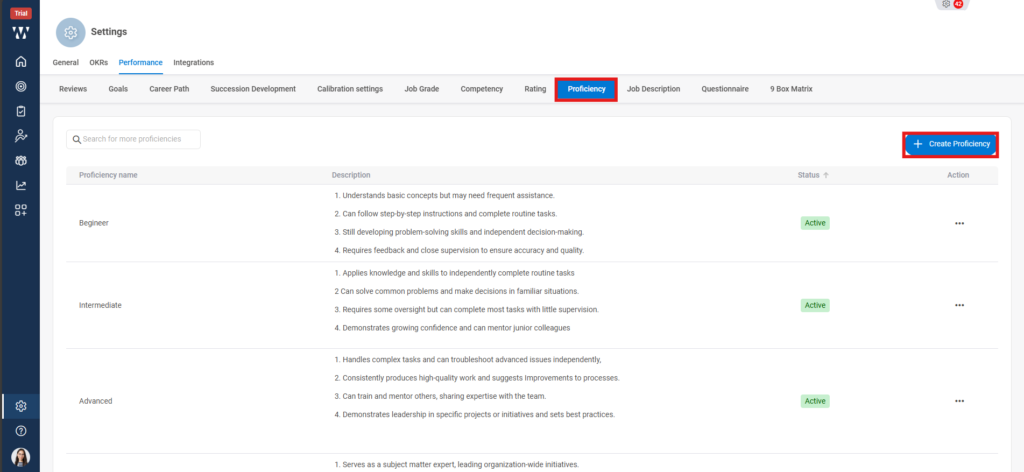
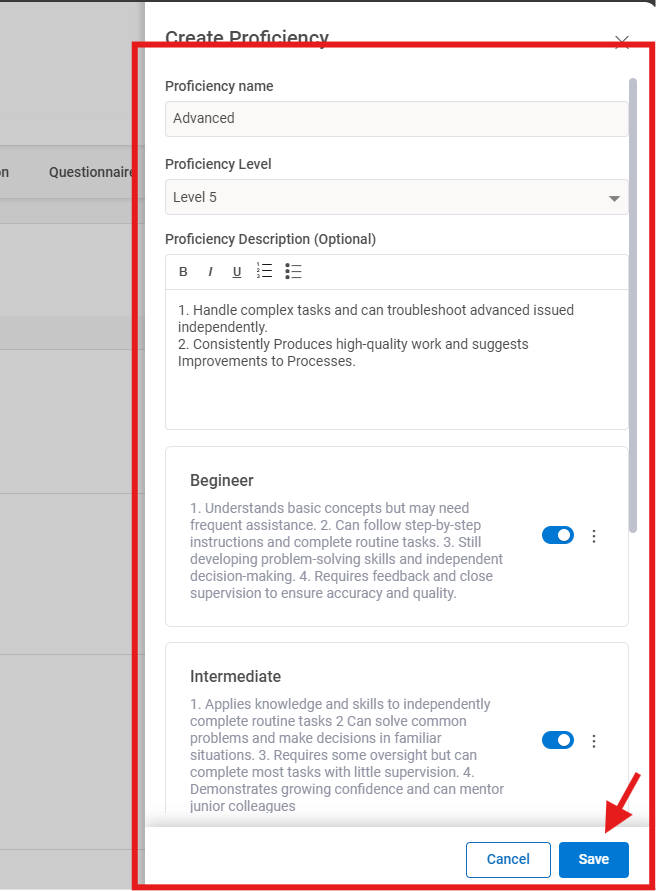
To create proficiency a window will appear where you can set the information and then click on Save:
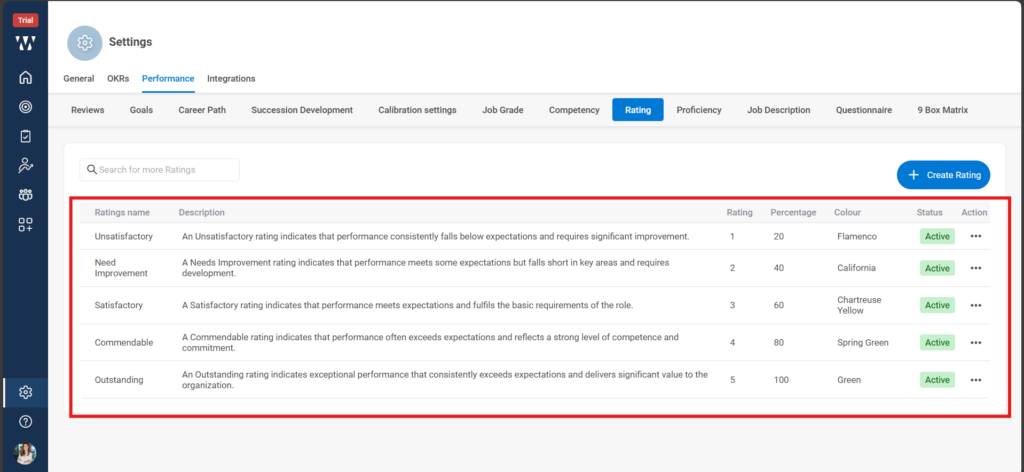
Step 5: The final window will appear with the saved Proficiencies:
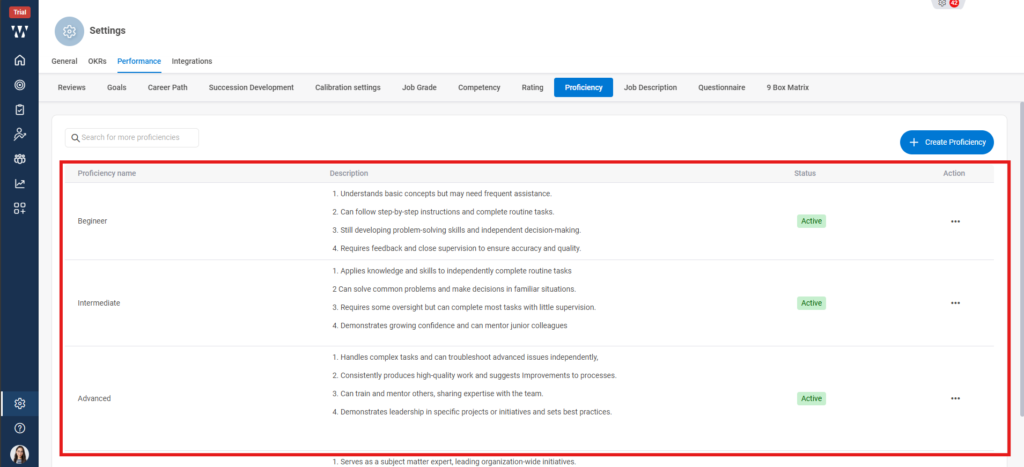
With this the basic settings for Org specific PMS is done.
