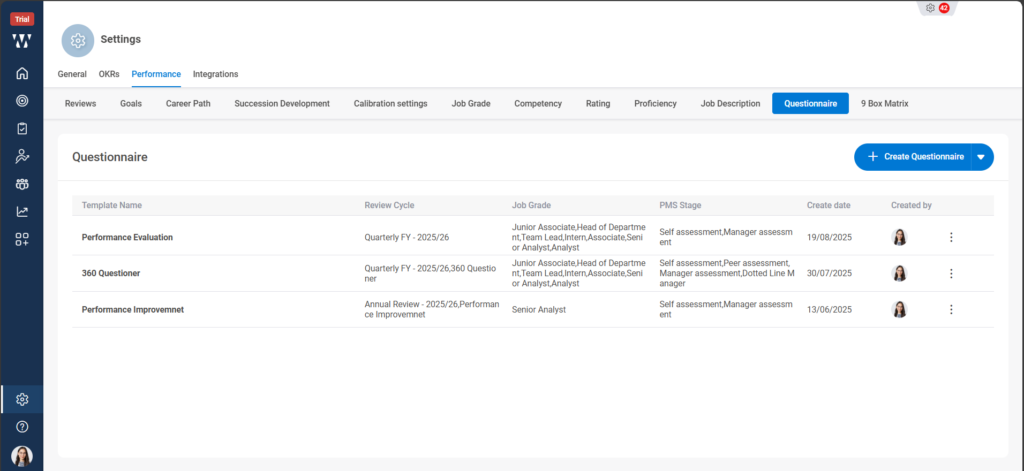
Step 1: From the Home Page, navigate to the “settings” Icon and click on it:
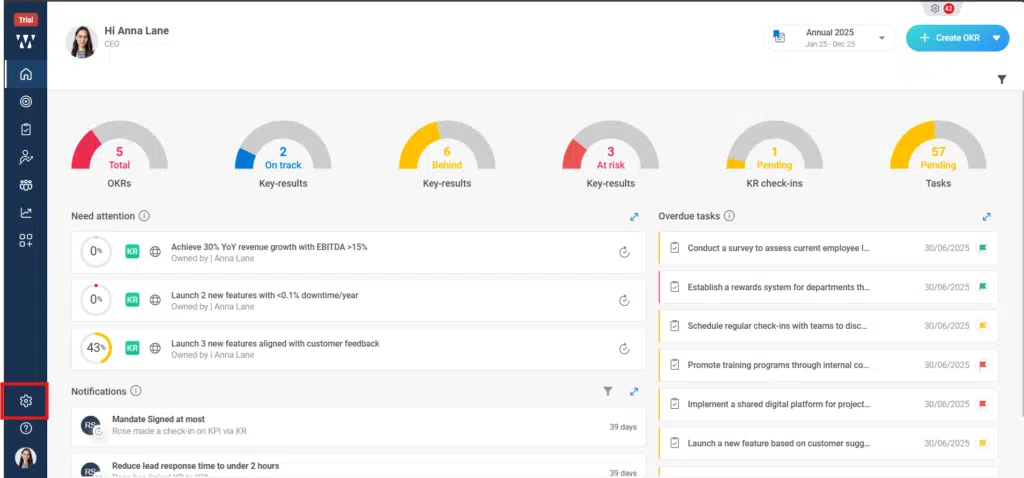
Step 2: After clicking on settings click on the performance Module where you can configure the org requirements setting of PMS cycle:
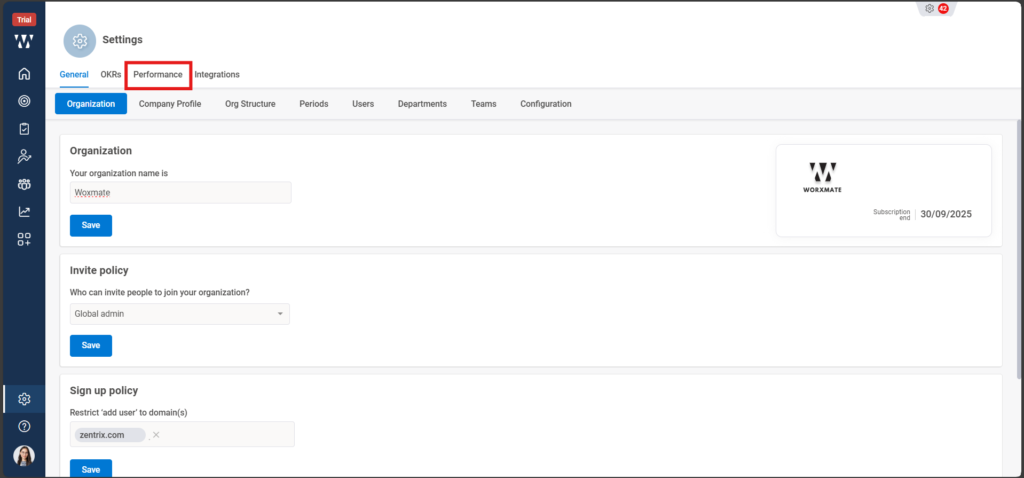
Step 3: When you click on “performance”, You will find the multiple settings that require for the performance setup, then click on “Questionnaire”:

Step 4: Click on “ Create Questionnaire” to create the new set of Q&A:

Step 5: A white Board will appear where you can provide the following information’s so that AI can explore and provide the relevant information, select Job Grade, PMS Cycle, Select :What you want to evaluate: Performance and Potential, give a template name and a problem statement that can help AI to provide the questioner:
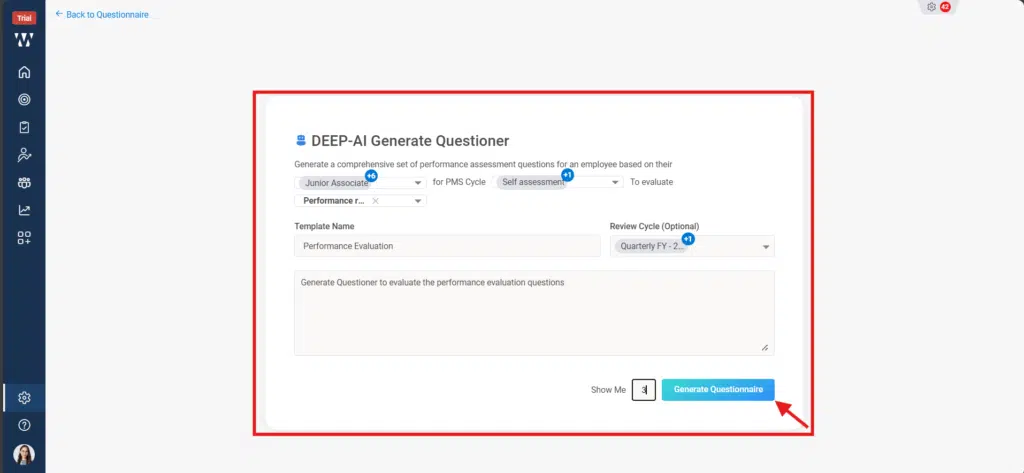
Step 6: AI will provide the result where you can add the Questioner and click on “Publish”:
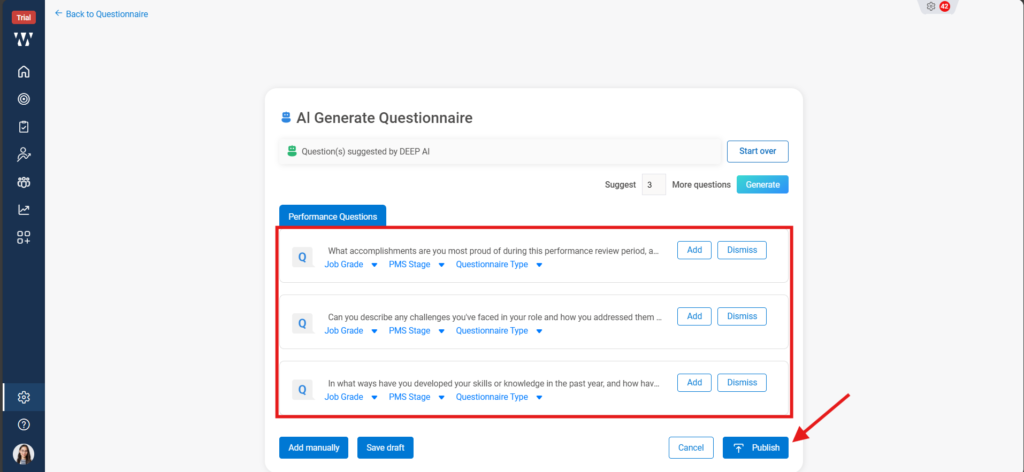
Step 7: The following Published Questioner will appear:
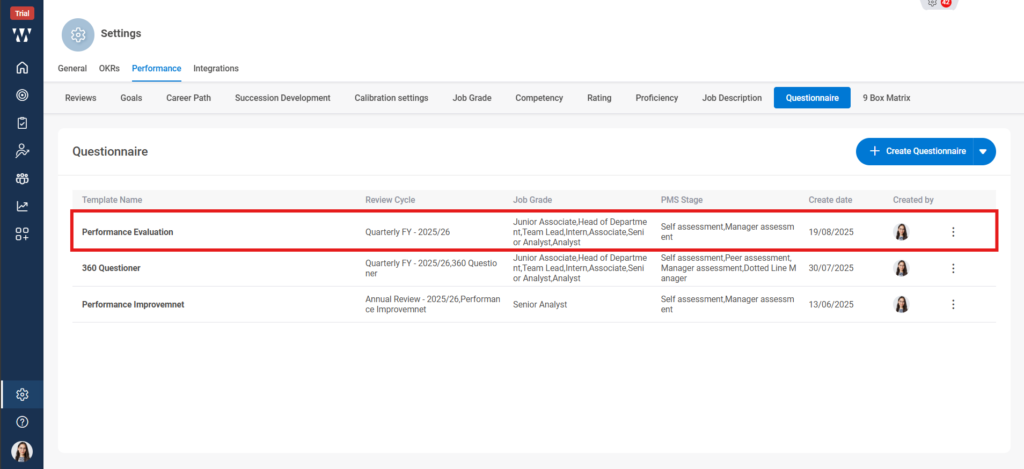
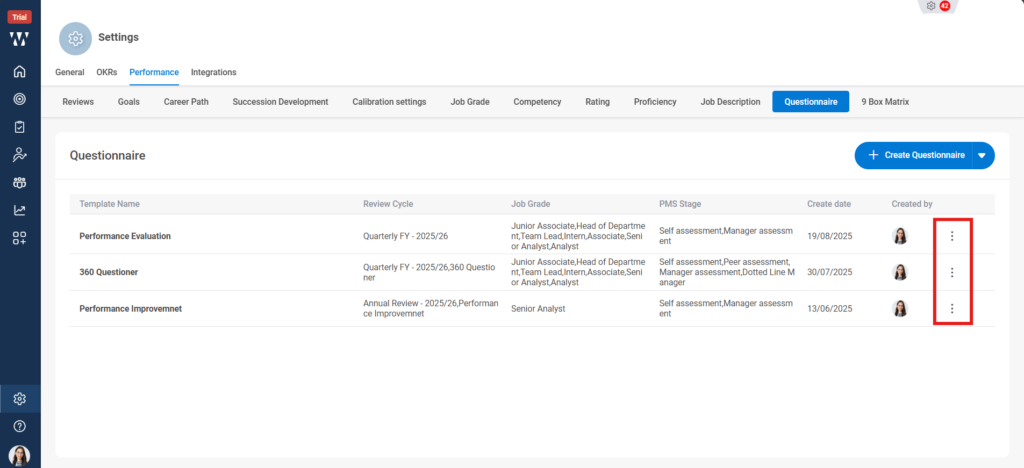
If you want to edit the existing Questioner, click on the three dots on the right side of questioner as shown in the image.
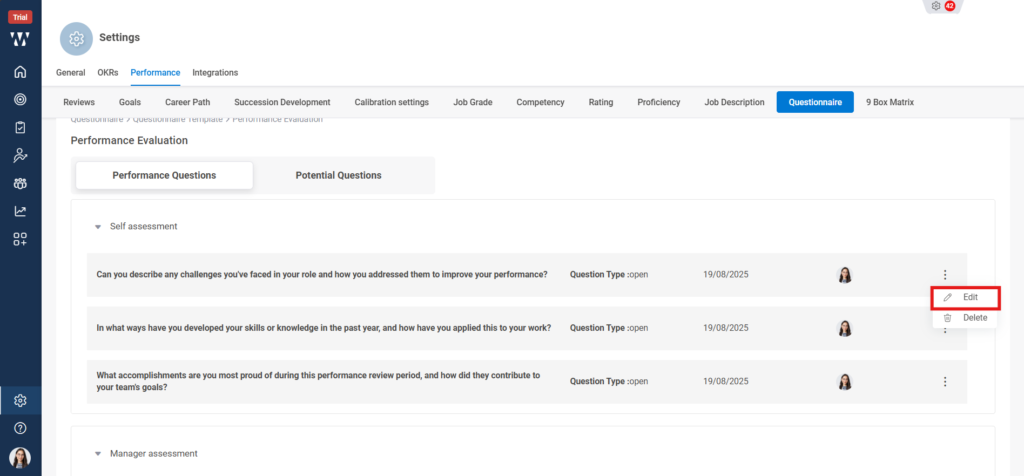
Step 8: Click on the “View”, and then to edit the questioner Click on the “Three Dots” beside the questioner and then click on “Edit”:
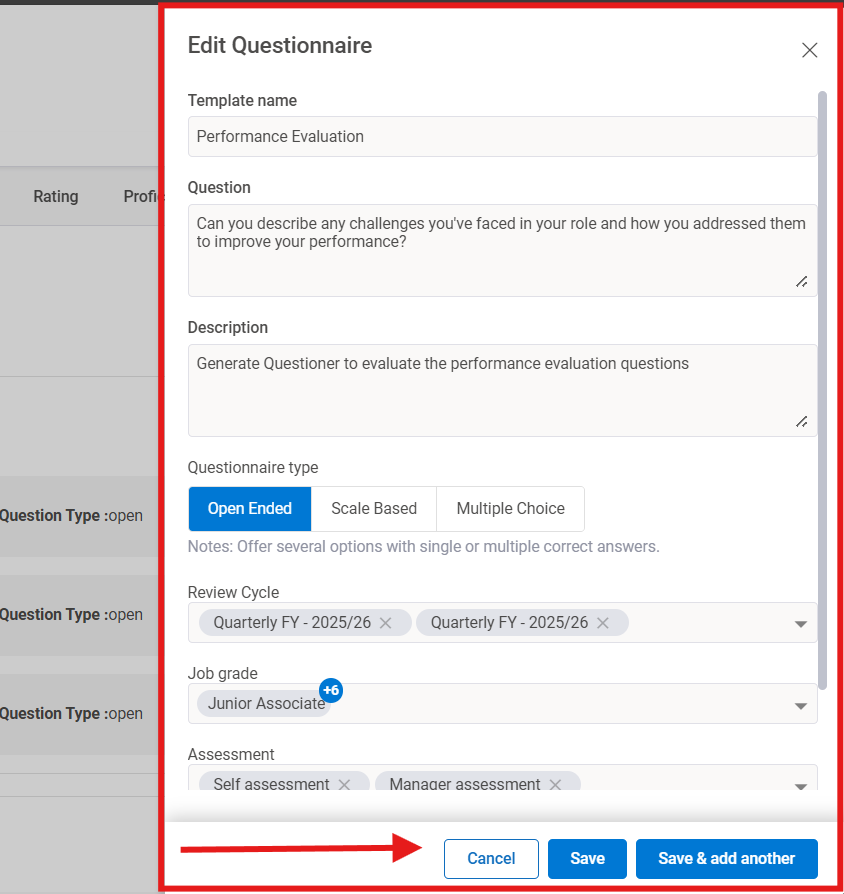
Step 9: A window will appear from where you can edit the changes and click on “Save” or “Save & add another”:
Step 10: The final window with Edited Questioner will appear: