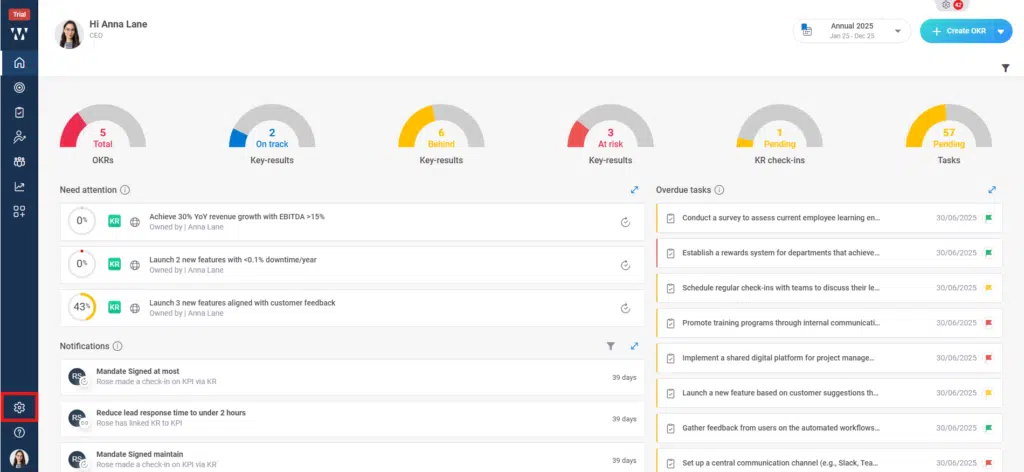
Step 1: From the homepage, click on ‘Settings’.
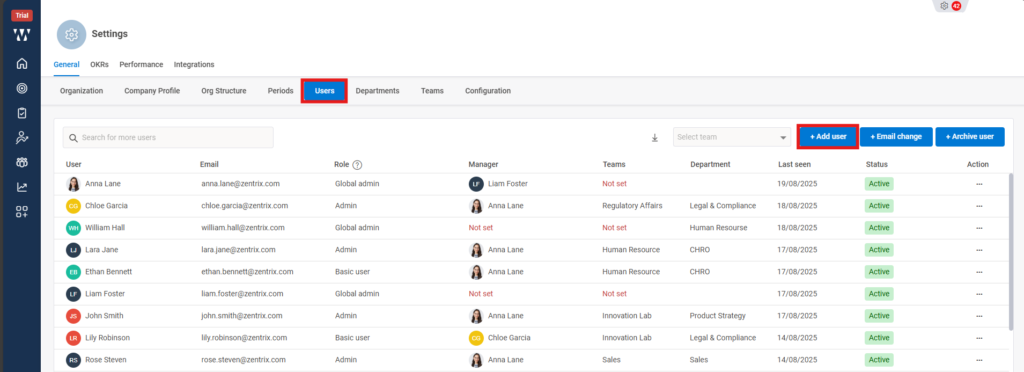
Step 2: The Settings page will appear, where you need to click on ‘General’ and then select ‘Users’, When creating a user, you can manage access at the same time by clicking on ‘Add User’.
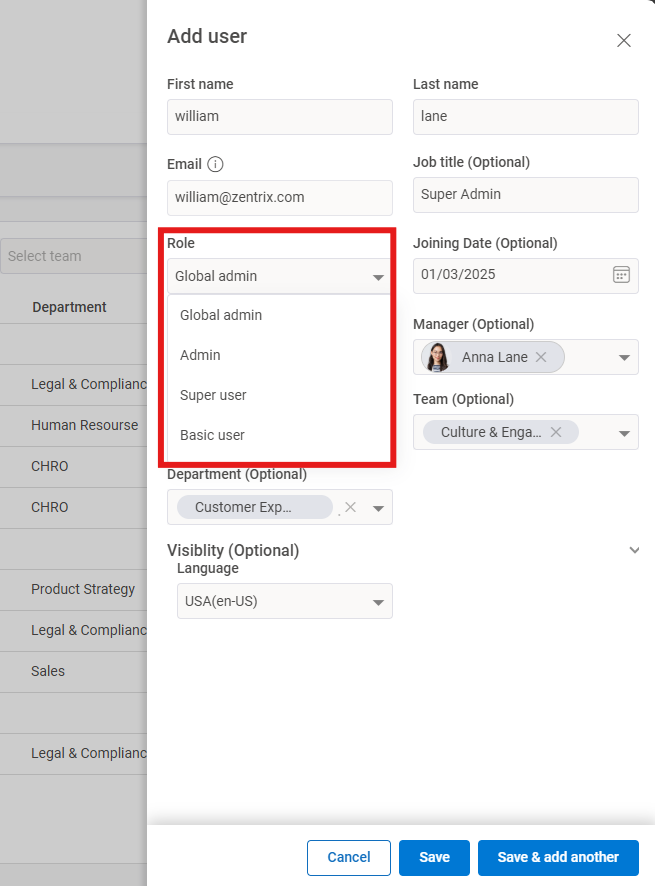
Step 3: On the screen that appears, enter all the user details and then click on ‘Role’.
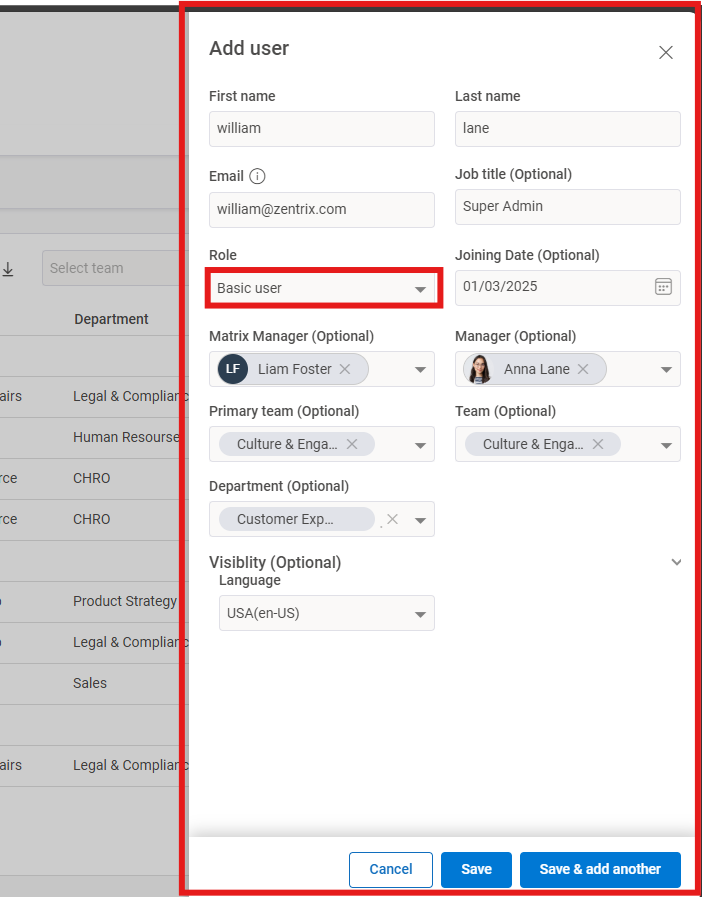
Step 4: You will see a dropdown menu with four access levels: Global Admin, Admin, Super User, and Basic User. Access can be assigned based on the employee’s designation and role within the organization.
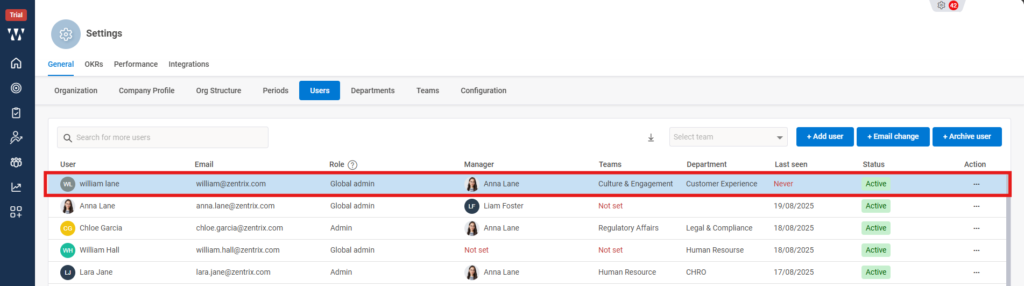
Step 5: The final window will appear where you can see the added User.