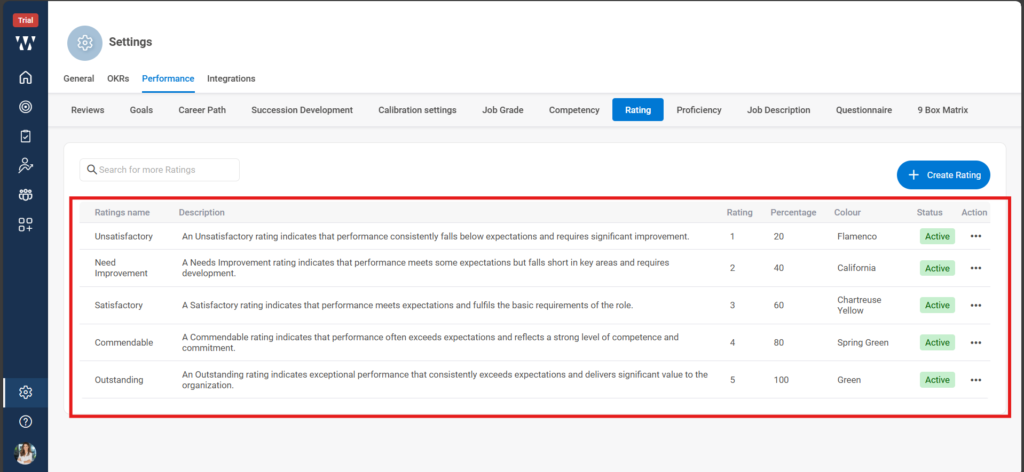
Click on settings, click on “Performance”, on the performance page click on “Ratings”, When you click on “Add Ratings” a window will pop up where you can set the scale for each rating.
Step 1:- From the Homepage click on “settings”.
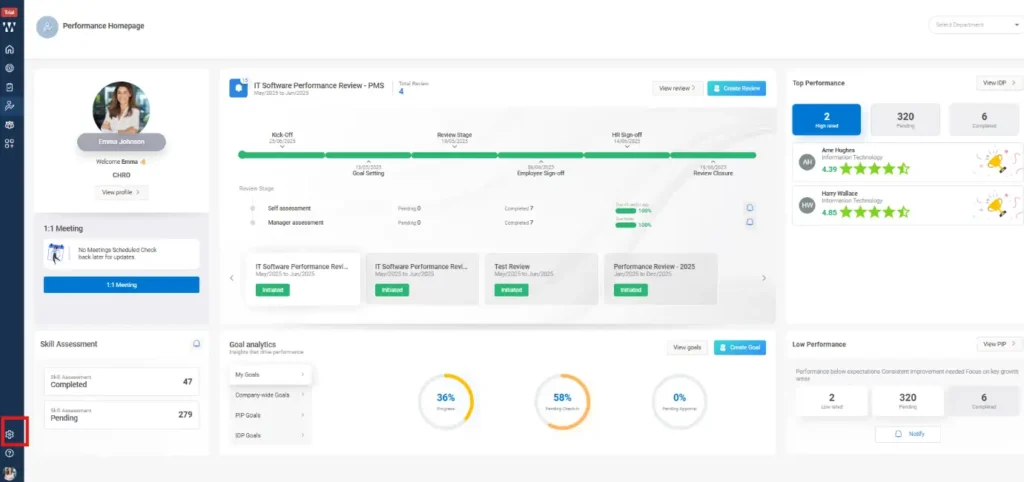
Step 2:- In the Settings window click on “Performance”.

Step 3:- On the performance page click on “Ratings”.

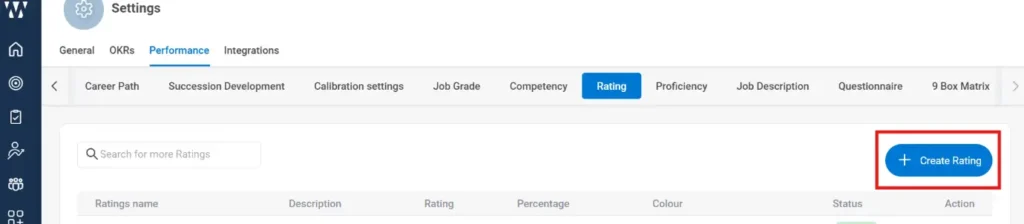
Step 4:- In the Ratings section click on ” Create rating”.
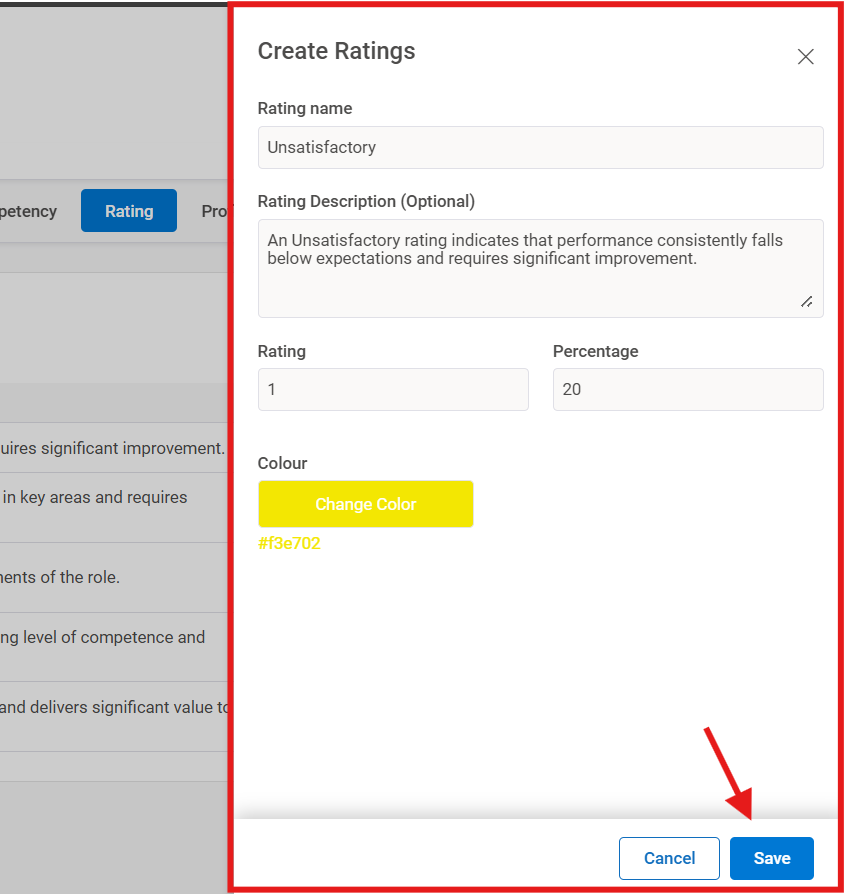
Step 5:- When you click on “Add Ratings” a window will pop up where you can set the scale for each rating.
The final Window will appear with the set Ratings: