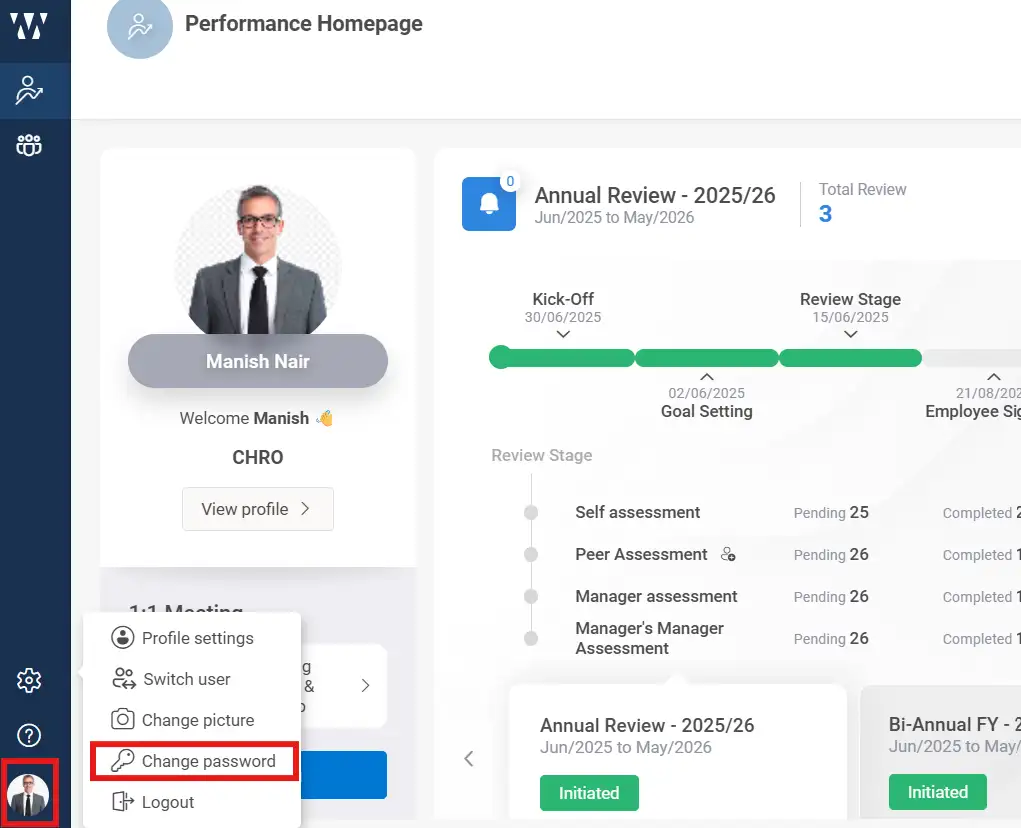
Step 1: Click on profile icon on the left corner, select ” Change password”, An email code for confirmation will be sent and you can change password.
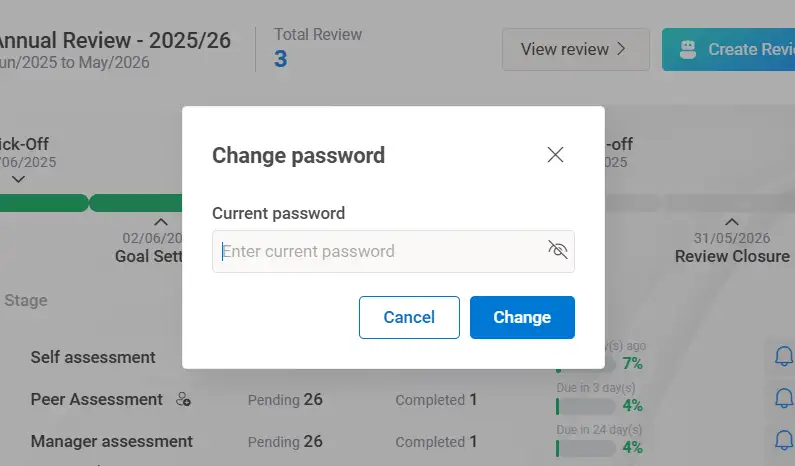
Step 2: Type the current password and click on “change”. The recovery link will be sent to your registered Email Id.