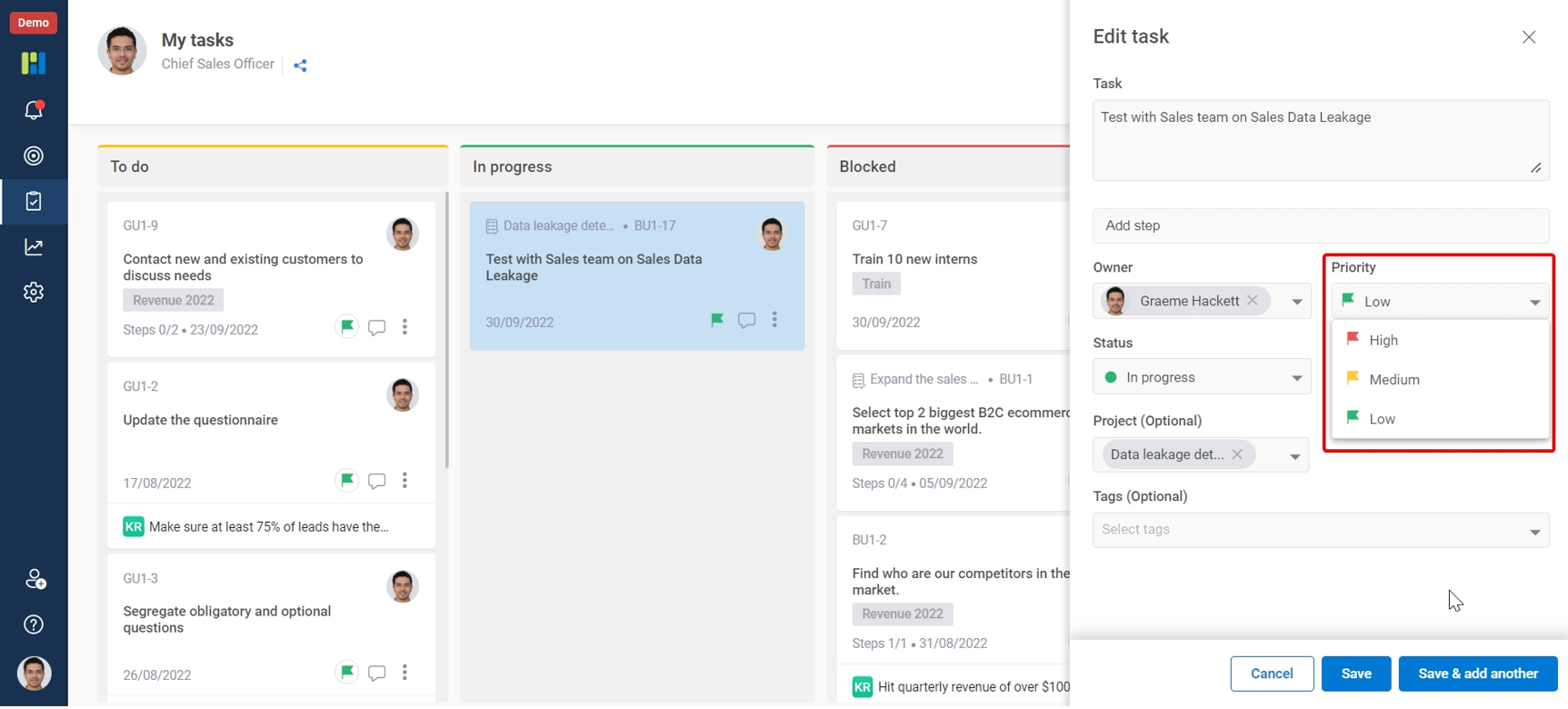
You can change the priority of your tasks by editing them.
To change the priority of the task –
1. Click on the 3-dots icon on the task to see the pop-up menu.
2. Select edit to go to the task details.
3. Here, look for the Priority field and select the required priority from the list.