
Worxmate

WORXMATE
AI Intelligence Suite
Log In

Help Center > Frequently Asked Questions > Working with OKRs > Who can edit my check-in notes?

Who can edit my check-in notes?

Working with Key-result, Check-in a Key-result

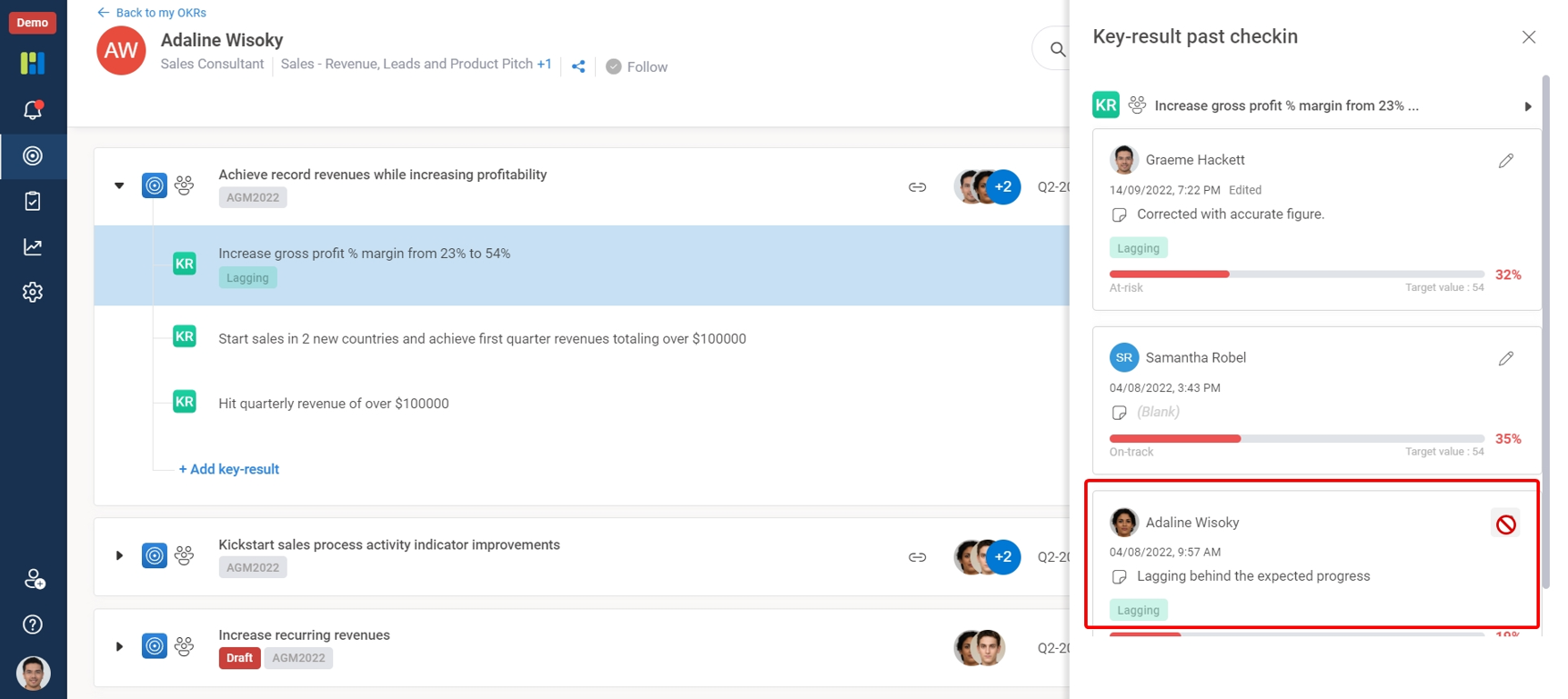
Modification and deletion of check-in notes, check-in progress can be done only by ‘that user’ who gave made the check-in note on your OKRs.
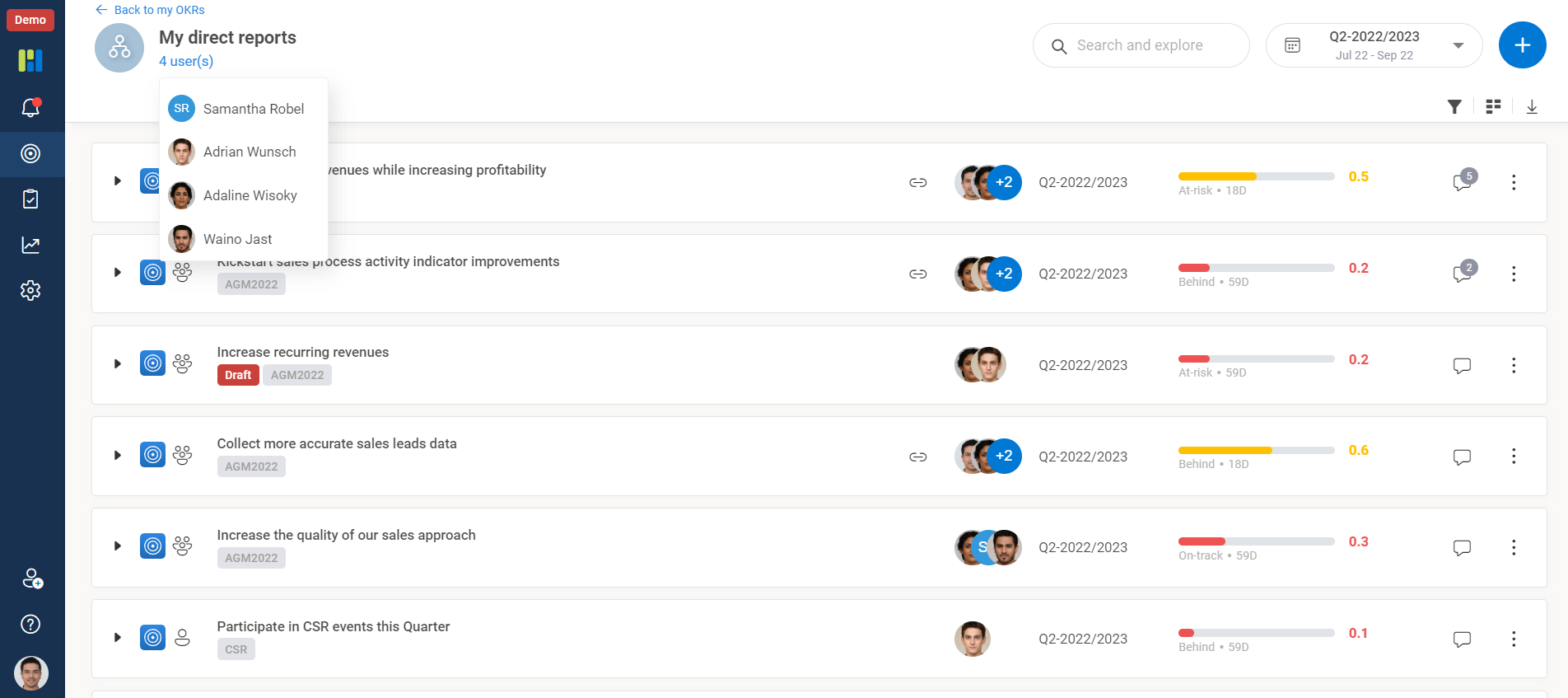
My Direct Reports

Adaline Wisoky

Note: Team Managers and Respective Line Managers can add new Check-ins to the Team and individual OKR types respectively.

(Admins and Global Admins can edit Check-in Notes for all).

 
Worxmate AI
Live 1-on-1 Walkthrough

See Worxmate AI in action.

We will configure live scenarios tailored to your company size, OKR cycles, and appraisal rhythms — zero generic pitch decks.

"Worxmate’s smart insights simplify team management—more intuitive than Zoho People."
— Senior HR Lead • Cloudaeon
    Available 30-Min Slots Pick a day
    Pick a date & time slot to proceed